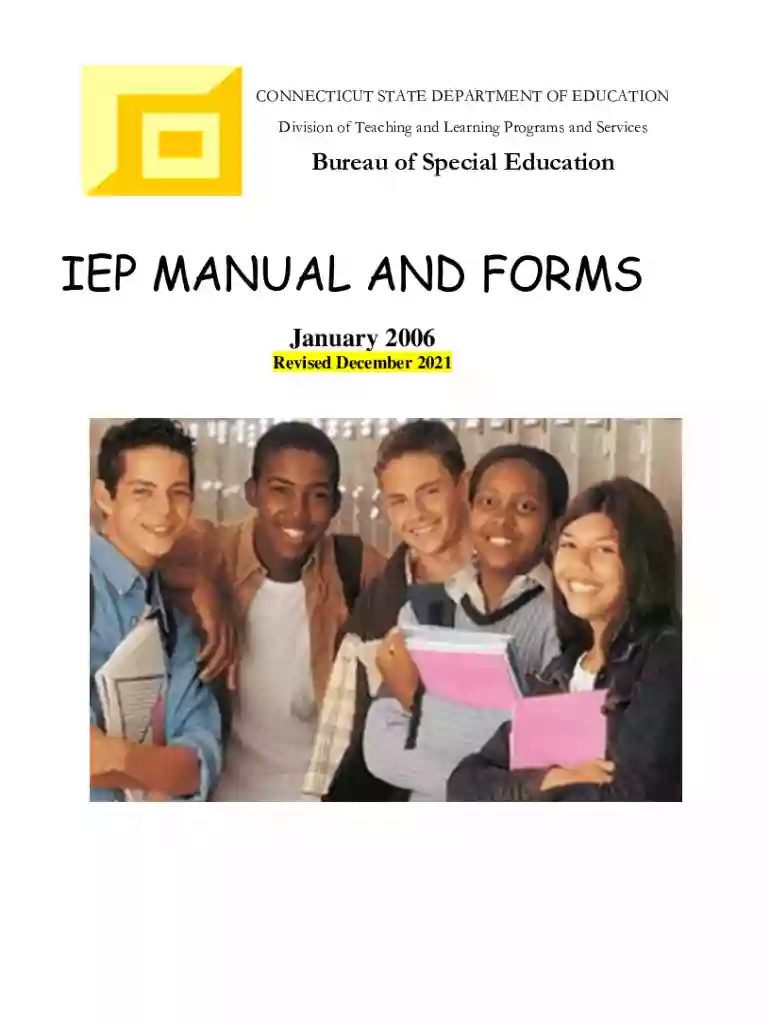
Ct iep 2026

Get Form
ct iep Preview on Page 1

Here's how it works

01. Edit your ct iep online
Type text, add images, blackout confidential details, add comments, highlights and more.

02. Sign it in a few clicks
Draw your signature, type it, upload its image, or use your mobile device as a signature pad.

03. Share your form with others
Send ct iep form via email, link, or fax. You can also download it, export it or print it out.

How to use or fill out ct iep with our platform

Form edit decoration
9.5
Ease of Setup
DocHub User Ratings on G2
9.0
Ease of Use
DocHub User Ratings on G2
  1. Click 'Get Form' to open the ct iep in the editor.
  2. Begin by filling out the 'PPT Cover Page' section, which includes demographic information about the student and parents, meeting date, and current school details.
  3. Proceed to the 'Present Levels of Academic Achievement and Functional Performance' section. Here, provide a comprehensive overview of the student's strengths and areas of concern based on assessments and observations.
  4. In the 'Measurable Annual Goals' section, outline specific goals tailored to address the student's needs. Ensure these are linked to their present levels of performance.
  5. Complete the 'Program Accommodations and Modifications' section by detailing any necessary supports that will help the student succeed in both academic and non-academic settings.
  6. Review all sections for accuracy before saving your changes. Utilize our platform's features to ensure everything is correctly filled out.

Start using our platform today for free to streamline your ct iep completion process!

See more ct iep versions

We've got more versions of the ct iep form. Select the right ct iep version from the list and start editing it straight away!
Versions Form popularity Fillable & printable
2021 4.8 Satisfied (126 Votes)
2019 4.1 Satisfied (40 Votes)
2014 4.3 Satisfied (28 Votes)
be ready to get more

Complete this form in 5 minutes or less

Get form

Got questions?

We have answers to the most popular questions from our customers. If you can't find an answer to your question, please contact us.
Contact us

Electronic signatures are a perfect replacement for traditional signing, as they save time, effort, and costs people spend on printing, scanning, and paper delivery. You can eSign your ct iep manual using a trustworthy and robust online document processing services like DocHub. It complies with main eSignature policies (ESIGN and UETA), so all documents approved there are legally binding and have the same validity as manually signed ones.

As a comprehensive document modifying service, DocHub is accessible on mobile phones. Open DocHub in your choice of mobile browser and employ our intelligent mobile-friendly toolset to fill out your connecticut iep manual.

To receive an IEP, a student must require special-education services because of his or her disability. If a student with a disability does not require special-education services, he or she will generally get a 504 plan.
IDEAs Exact Words. Special Factor 1: Behavior. Special Factor 2: Limited English Proficiency. Special Factor 3: Blindness and Visual Impairment. Special Factor 4: Communication Needs, Especially When Child is Deaf or Hard of Hearing. Special Factor 5: Assistive Technology. References.
Lets take a look at each type of IEP below. Presentation. This changes how the information is presented to the student. Response. This alters how the student completes assignments and testing. Setting. Some students struggle to learn in a traditional classroom setting. Timing and Scheduling.

Security and compliance

At DocHub, your data security is our priority. We follow HIPAA, SOC2, GDPR, and other standards, so you can work on your documents with confidence.

Learn more
ccpa2
pci-dss
gdpr-compliance
hipaa
soc-compliance
be ready to get more

Complete this form in 5 minutes or less

Get form

People also ask

WHAT IS AN IEP? An IEP is a written statement of the educational program designed to meet a childs individual needs. Every child who receives special education and related services must have an IEP.

Related links