





Travel Claim Information: Guest without A Number 2026

Get Form
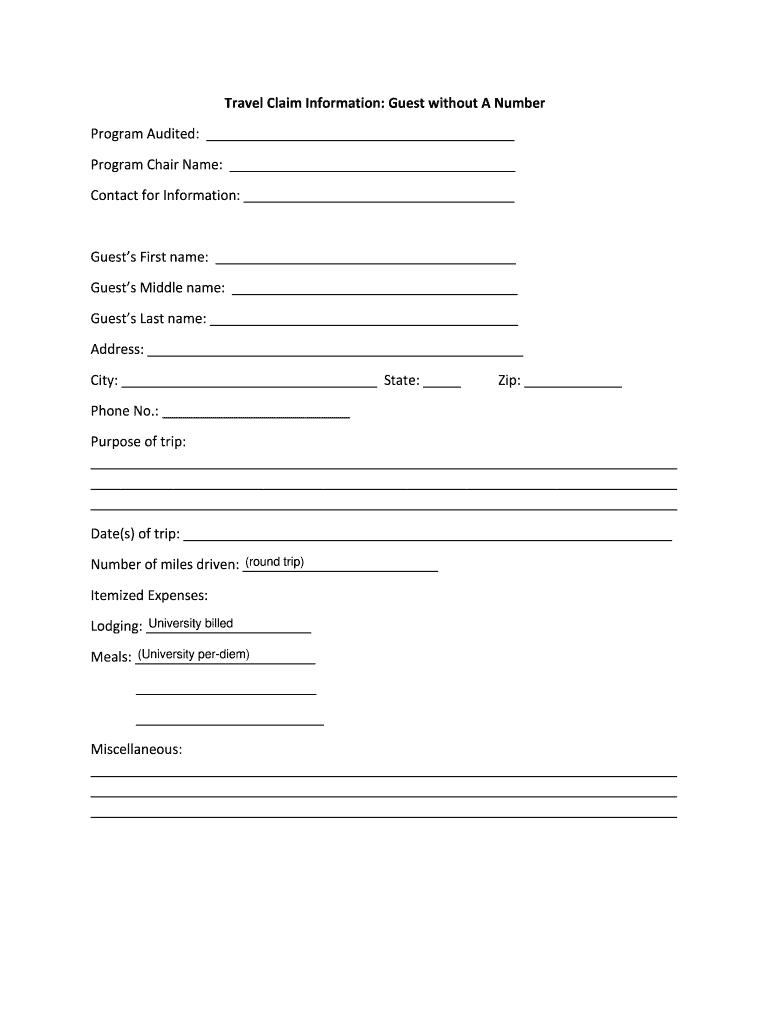
Travel Claim Information: Guest without A Number Preview on Page 1

Here's how it works

01. Edit your form online
Type text, add images, blackout confidential details, add comments, highlights and more.
02. Sign it in a few clicks
Draw your signature, type it, upload its image, or use your mobile device as a signature pad.
03. Share your form with others
Send it via email, link, or fax. You can also download it, export it or print it out.

How to use or fill out Travel Claim Information: Guest without A Number with our platform

Form edit decoration
9.5
Ease of Setup
DocHub User Ratings on G2
9.0
Ease of Use
DocHub User Ratings on G2
  1. Click ‘Get Form’ to open it in the editor.
  2. Begin by filling in the 'Program Audited' section with the relevant program details. This helps identify the context of your claim.
  3. Next, enter the 'Program Chair Name' and 'Contact for Information' fields to ensure proper communication regarding your claim.
  4. In the guest information section, provide the first, middle, and last names of the guest. Ensure accuracy for processing.
  5. Fill in the address, city, state, and zip code to establish residency details.
  6. Input a contact phone number for any follow-up questions related to your claim.
  7. Describe the purpose of your trip in detail to clarify its relevance to your claim.
  8. Record the date(s) of your trip and total miles driven if applicable.
  9. List itemized expenses under lodging and meals as per university guidelines. Include any miscellaneous expenses in the designated section.

Start using our platform today for free to streamline your travel claim process!

be ready to get more

Complete this form in 5 minutes or less

Get form

Got questions?

We have answers to the most popular questions from our customers. If you can't find an answer to your question, please contact us.
Contact us

Microsoft Word doesn’t have signing tools to generate valid eSignatures and enforceable paperwork. Fortunately, DocHub is an online eSignature-compliant editor that works with different file formats, such as .doc files. Log in to your account and import the Word version of your Travel Claim Information: Guest without A Number from your device and cloud, or URL - our editor will automatically transform it into an editable PDF. Make all essential changes in your document and click Sign to generate your own legally-binding eSignature. You will find four signing options from which to choose.

If you edit your Travel Claim Information: Guest without A Number with DocHub, you only need a steady web connection and virtually any browser installed on your device. No need to set up any third-party software or study guides. Just open a tab with DocHub, drag and drop your file, and edit it immediately.

You will need some proof of purchase to make a claim on an item, but we can accept bank statements as well as receipts as proof of purchase.
Most travel insurance companies will allow policyholders to file claims by phone or via their website or mobile app. If you file online, you should be able to upload copies of documents supporting your case. As you go through the process, you may be contacted by your travel insurance company for additional information.
Your claim number can be found in the documentation sent by Travelers. It is 7 characters consisting of letters and numbers. Examples: ABC1234.

Security and compliance

At DocHub, your data security is our priority. We follow HIPAA, SOC2, GDPR, and other standards, so you can work on your documents with confidence.

Learn more
ccpa2
pci-dss
gdpr-compliance
hipaa
soc-compliance
be ready to get more

Complete this form in 5 minutes or less

Get form

People also ask

In most cases, a single claim wont directly increase your premium. Its important to remember that insurers consider a range of factors when pricing policies. Destination, trip length, and medical history all play a role, meaning your history is just one part of the bigger picture.
Contact your insurer as soon as possible and ask them to send you a claim form. They may be able to email this to you to speed things up. Complete the claim form carefully and keep a copy for yourself. Youll need to include copies of all paperwork that will help your claim, including receipts or medical certificates.
Contact your provider and file your claim Filing as quickly as possible can help you get paid faster. However, you typically have 90 days after an incident to file a travel insurance claim. If your claim is approved, you should be reimbursed by a direct deposit into your bank account or with a paper check in the mail.
Most insurance companies allow you to start a claim online and will communicate electronically through the completion of your claim. Be sure to follow each step closely and file any necessary documents within the timeframe outlined in your document.

Related links

