



01. Edit your form online
Type text, add images, blackout confidential details, add comments, highlights and more.

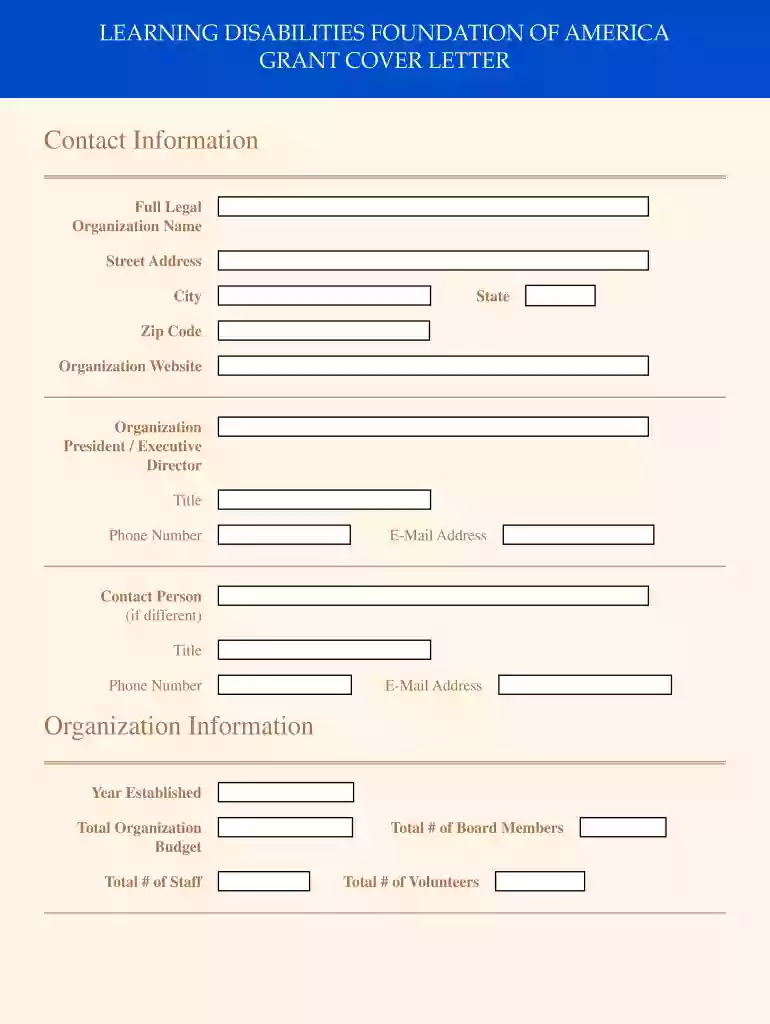
Type text, add images, blackout confidential details, add comments, highlights and more.

Draw your signature, type it, upload its image, or use your mobile device as a signature pad.

Send it via email, link, or fax. You can also download it, export it or print it out.

Start using our platform today to streamline your form completion process for free!
Sure, a typed name is recognized as a valid electronic signature when you add it to your document using a compliant solution like DocHub. Simply import your LEARNING DISABILITIES FOUNDATION OF AMERICA to our editor, click Sign in the top tool pane → Create your signature → Type your name in the appropriate tab, and decide how it will look on your document.
Apart from a comprehensive toolset for editing PDFs on mobile devices, DocHub enables you to sign your LEARNING DISABILITIES FOUNDATION OF AMERICA along the way. Open our editor in your internet browser, make changes using DocHub’s toolset, and complete your editing by eSigning the completed form.
At DocHub, your data security is our priority. We follow HIPAA, SOC2, GDPR, and other standards, so you can work on your documents with confidence.
Innovative programs to advance the achievement of persons with learning disabilities, increase the support skills of their families, support academic andRead more
This RFA, Learning Disabilities: Multidisciplinary Research Centers, specifically addresses those priorities that are concerned with the developmental problemsRead more
Apr 24, 2026 Poor health, hunger, and malnutrition are not just symptoms of povertythey are barriers to education, socialization, and hope.


