



01. Edit your claim voucher online
Type text, add images, blackout confidential details, add comments, highlights and more.

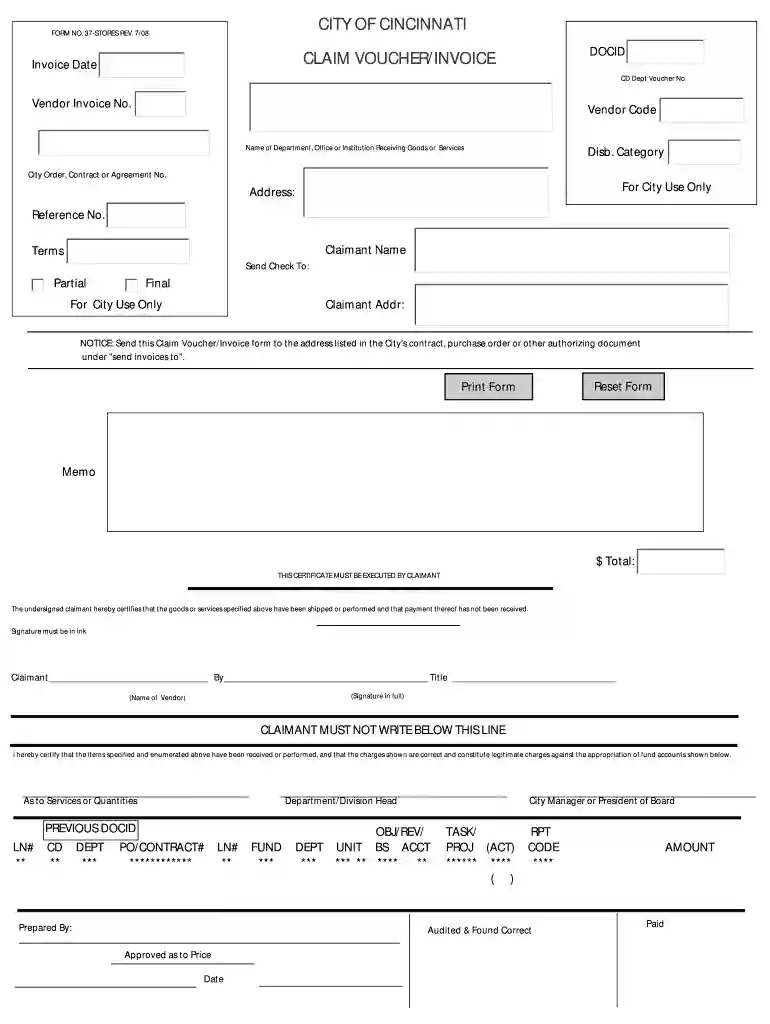
Type text, add images, blackout confidential details, add comments, highlights and more.

Draw your signature, type it, upload its image, or use your mobile device as a signature pad.

Send it via email, link, or fax. You can also download it, export it or print it out.

Start using our platform today to streamline your document editing and submission process for free!
We've got more versions of the claim voucher form. Select the right claim voucher version from the list and start editing it straight away!
| Versions | Form popularity | Fillable & printable |
|---|---|---|
| 2007 | 4.8 Satisfied (122 Votes) |
Of course, you’ll find many different applications for this on the web. Nonetheless, if you need to eSign your claim voucher invoice form without installing extra software, DocHub is the best choice you can make. This powerful editor works on mobile devices just as on desktops. Open our editor in your preferred internet browser, register or log in to your account, and start managing your forms.
You may find and modify your claim voucher invoice form online with the help of DocHub. Its simple but feature-rich design allows you to begin productive work right after you sign up your account. Create your account and add your file, then our user interface will guide you via our stress-free form completion experience.
At DocHub, your data security is our priority. We follow HIPAA, SOC2, GDPR, and other standards, so you can work on your documents with confidence.
The. Payment Action form must be submitted to the Oklahoma State Treasurer within 5 business days of the transaction. Select this option when a supplierRead more
Send this Claim. Voucher/Invoice form to the address listed in the Citys contract, purchase order or other authorizing document under send invoices to. TOTAL.Read more
Invoice/Shipping Document will be prepared by NSTC (NJROTC Supply) upon request. EXCESS PERSONAL PROPERTY. IT Equipment - Upon determination and concurrenceRead more


