




01. Edit your pacific commerce bank online
Type text, add images, blackout confidential details, add comments, highlights and more.

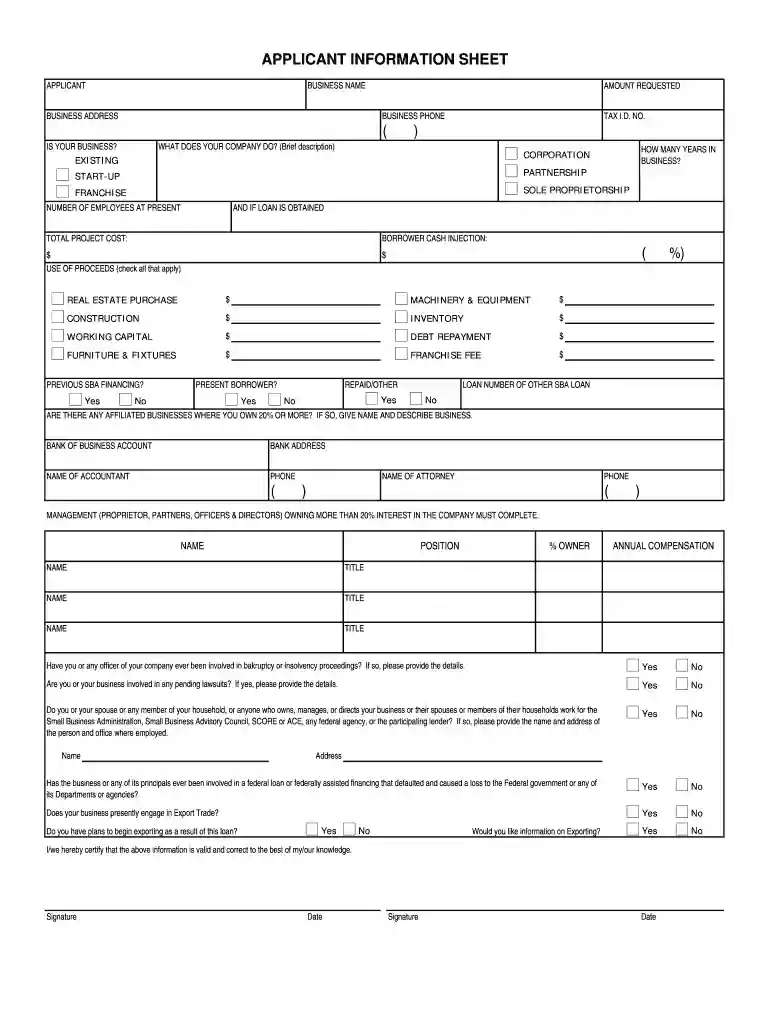
Type text, add images, blackout confidential details, add comments, highlights and more.

Draw your signature, type it, upload its image, or use your mobile device as a signature pad.

Send caweb sba via email, link, or fax. You can also download it, export it or print it out.

Start filling out your Sba loan application today using our platform for a seamless experience!
At DocHub, your data security is our priority. We follow HIPAA, SOC2, GDPR, and other standards, so you can work on your documents with confidence.
11. I request business counseling service from the Small Business Administration (SBA) or an SBA Resource Partner. I agree to cooperate should I be selectedRead more
Feb 28, 2026 to business outcomes. Our applications monitor, correlate, analyze, and act on application performance and business performance data in realRead more
If you have further questions or need more assistance, please call the DFPIs Consumer Services Office at: 1-866-275-2677. Search This Entity.Read more


