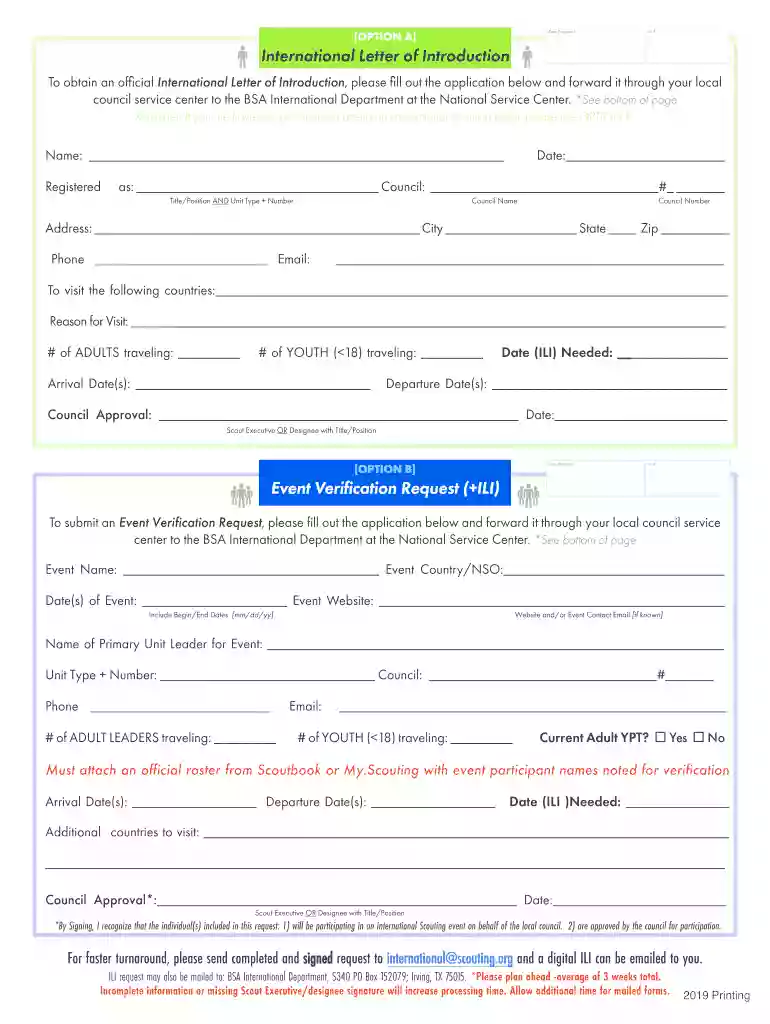
The Best Cover Letter Format For 2020 3 Sample Templates-2026

Get Form
The Best Cover Letter Format For 2020 3 Sample Templates Preview on Page 1

Here's how it works

01. Edit your form online
Type text, add images, blackout confidential details, add comments, highlights and more.

02. Sign it in a few clicks
Draw your signature, type it, upload its image, or use your mobile device as a signature pad.

03. Share your form with others
Send it via email, link, or fax. You can also download it, export it or print it out.

How to use or fill out The Best Cover Letter Format For 2020 3 Sample Templates with DocHub

Form edit decoration
9.5
Ease of Setup
DocHub User Ratings on G2
9.0
Ease of Use
DocHub User Ratings on G2
  1. Click ‘Get Form’ to open it in the editor.
  2. Begin by filling out your personal information in the designated fields, including your name, address, and contact details. Ensure accuracy for a professional presentation.
  3. Next, move to the introduction section. Craft a compelling opening statement that captures your enthusiasm for the position you are applying for.
  4. In the body of the cover letter, highlight your relevant skills and experiences. Use bullet points if necessary to enhance readability and impact.
  5. Conclude with a strong closing statement that reiterates your interest in the role and invites further communication. Don’t forget to sign off professionally.

Start editing your cover letter today on our platform for free!

See more The Best Cover Letter Format For 2020 3 Sample Templates versions

We've got more versions of the The Best Cover Letter Format For 2020 3 Sample Templates form. Select the right The Best Cover Letter Format For 2020 3 Sample Templates version from the list and start editing it straight away!
Versions Form popularity Fillable & printable
2025 4 Satisfied (34 Votes)
2024 4.3 Satisfied (21 Votes)
2024 4.6 Satisfied (51 Votes)
2024 4.5 Satisfied (23 Votes)
2024 4.8 Satisfied (29 Votes)
2023 4.7 Satisfied (42 Votes)
2023 4.4 Satisfied (48 Votes)
2023 4 Satisfied (63 Votes)
2023 4.5 Satisfied (26 Votes)
2023 4.6 Satisfied (34 Votes)
2023 4.2 Satisfied (30 Votes)
2023 3.9 Satisfied (31 Votes)
2023 4.3 Satisfied (42 Votes)
2023 4.7 Satisfied (39 Votes)
2023 4.4 Satisfied (22 Votes)
be ready to get more

Complete this form in 5 minutes or less

Get form

Got questions?

We have answers to the most popular questions from our customers. If you can't find an answer to your question, please contact us.
Contact us
If youre wondering how to format your cover letter, we recommend using either Microsoft Word or a PDF. These are the best file formats for sending your CV and cover letter by email. Not only have they got a consistent format that is simple to follow, but they are also easily accessible.
Cover letters typically take the following structure: Introduction (1st paragraph) State clearly in your opening sentence the purpose for your letter and a brief professional introduction. Body (2-3 paragraphs) Closing (last paragraph)
The best cover letter format your name and contact information at the top. the hiring managers name and company contact details. a salutation addressing the hiring manager by name. 34 paragraphs and a bulleted list. a polite sign-off (like Sincerely,) and your name. margins between and 1 inch.
If youre attaching your cover letter as a digital file, there are some additional formatting rules as well. For starters, always use the file type requested by the company. Different employers have different preferences for file types, such as a PDF (.pdf) or Word document (.doc).
How to Name Your Resume and Cover Letter Files Including Your Full Name in the File Name. Adding the Position Title or Job Reference Number. Using Keywords Related to Your Industry or Job Title. Incorporating the Date to Keep Track of Versions. Avoiding Special Characters or Spaces in File Names.

Security and compliance

At DocHub, your data security is our priority. We follow HIPAA, SOC2, GDPR, and other standards, so you can work on your documents with confidence.

Learn more
ccpa2
pci-dss
gdpr-compliance
hipaa
soc-compliance
be ready to get more

Complete this form in 5 minutes or less

Get form

People also ask

Use a professional outline. Below is a cover letter outline written ing to best practices. Add your name and contact information. Greet the hiring manager. Write a compelling introduction. Show your achievements in the body paragraph(s) Finish your cover letter with a call to action. End with a professional sign-off.
Follow these guidelines: Make your cover letter single-spaced. Add a space between each section: contact information, salutation, opening paragraph, middle paragraphs, closing paragraph and complimentary closing. There is no need to indent any of your paragraphs.

Related links