




01. Edit your hsa form online
Type text, add images, blackout confidential details, add comments, highlights and more.

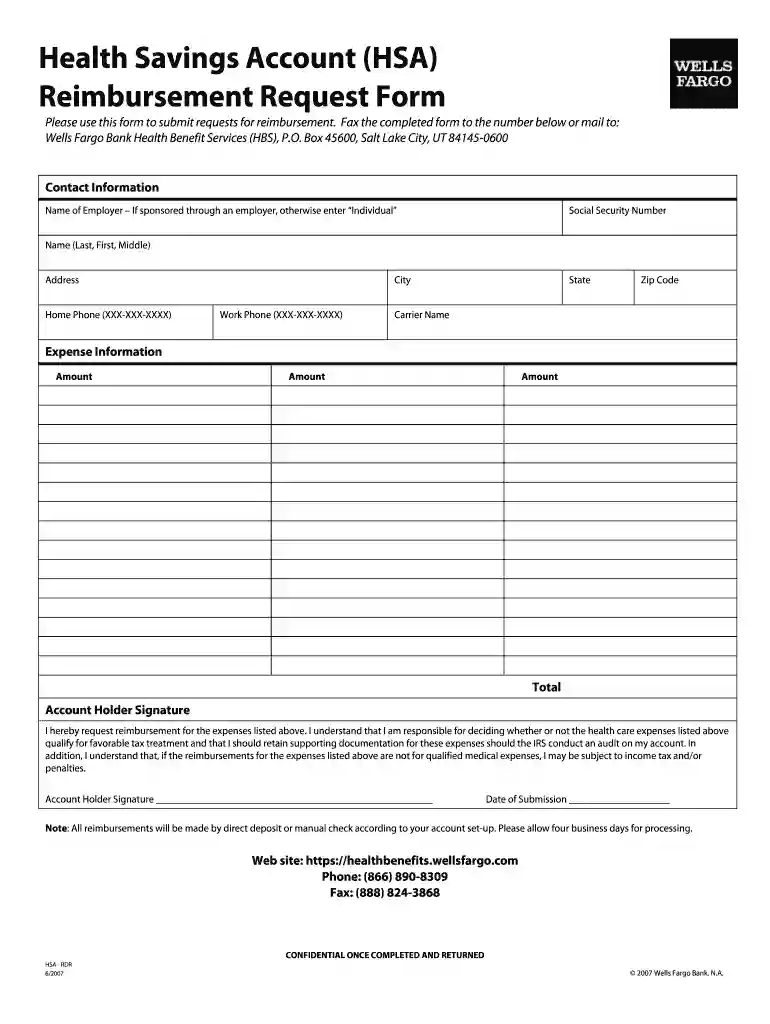
Type text, add images, blackout confidential details, add comments, highlights and more.

Draw your signature, type it, upload its image, or use your mobile device as a signature pad.

Send hsa reimbursement via email, link, or fax. You can also download it, export it or print it out.

Start using our platform today to streamline your HSA reimbursement process for free!
At DocHub, your data security is our priority. We follow HIPAA, SOC2, GDPR, and other standards, so you can work on your documents with confidence.
You are eligible to open and contribute to a HSA as long as you are not enrolled in benefits under Medicare Parts A and/or B and you satisfy all other IRSRead more
Feb 17, 2026 An HSA may receive contributions from an eligible individual or any other person, including an employer or a family member, on behalf of anRead more
1 day ago For peptides to be eligible for HSA or FSA (Flexible Spending Account) reimbursement, they generally need to meet specific criteria, oftenRead more


