




01. Edit your form online
Type text, add images, blackout confidential details, add comments, highlights and more.

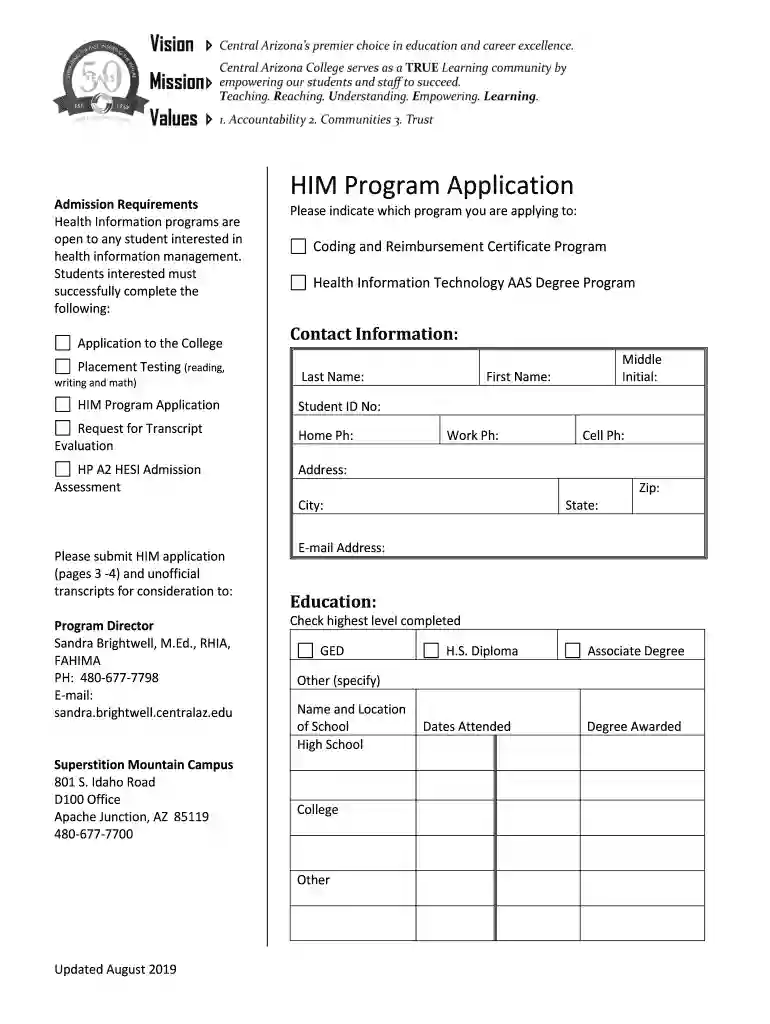
Type text, add images, blackout confidential details, add comments, highlights and more.

Draw your signature, type it, upload its image, or use your mobile device as a signature pad.

Send it via email, link, or fax. You can also download it, export it or print it out.

Start filling out your application today using our platform for a seamless experience!
We've got more versions of the Health Information Management Program Application form. Select the right Health Information Management Program Application version from the list and start editing it straight away!
| Versions | Form popularity | Fillable & printable |
|---|---|---|
| 2019 | 4.8 Satisfied (170 Votes) |
Sure, a typed name is recognized as a legitimate electronic signature when you create it on your document using a compliant solution like DocHub. Simply upload your Health Information Management Program Application to our editor, click Sign in the top tool pane → Create your signature → Type your name in the appropriate tab, and choose how it will appear on your document.
You can complete and sign your Health Information Management Program Application on the internet, even on a tight deadline. All you need to access top-notch editing instruments on any device is a DocHub account, that you can sign up within a few moments. When you register, add your file or find what you are looking for in our catalog, complete it using the editing instruments you need, and put your electronic signature on it at the end.
At DocHub, your data security is our priority. We follow HIPAA, SOC2, GDPR, and other standards, so you can work on your documents with confidence.
Apply AAS-HIM has a Selective Admission Process Application 27 credit hour certificate. All courses are available online. There are no special admission
Heath Information Management positions at OPWDD maintain systems for acquiring and preserving medical records for people being served by OPWDD.Read more
Users can establish their personalized accounts to manage health-related data, information, and plans in alignment with their unique needs and health objectivesRead more


