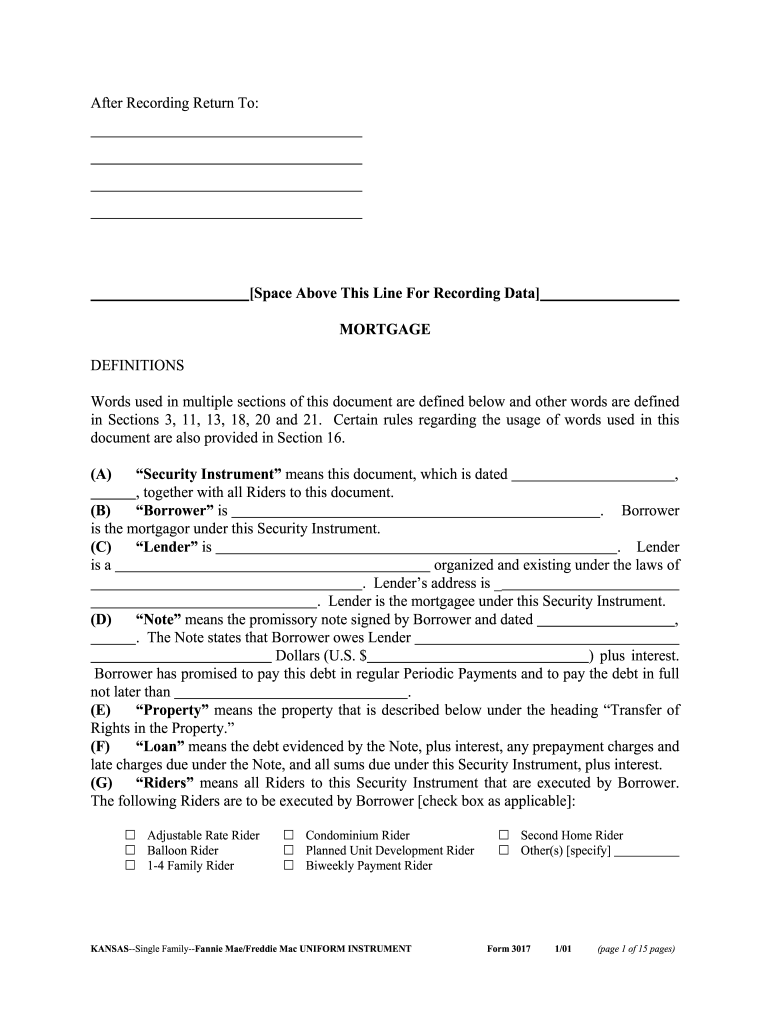
Kansas mortgage form 2026

Get Form
kansas mortgage form Preview on Page 1

Here's how it works

01. Edit your kansas mortgage form online
Type text, add images, blackout confidential details, add comments, highlights and more.
02. Sign it in a few clicks
Draw your signature, type it, upload its image, or use your mobile device as a signature pad.
03. Share your form with others
Send mortgage release form via email, link, or fax. You can also download it, export it or print it out.

How to use or fill out Kansas mortgage form with our platform

Form edit decoration
9.5
Ease of Setup
DocHub User Ratings on G2
9.0
Ease of Use
DocHub User Ratings on G2
  1. Click ‘Get Form’ to open the Kansas mortgage form in the editor.
  2. Begin by filling in the date at the top of the form. This is crucial as it establishes when the agreement takes effect.
  3. In the 'Borrower' section, enter your full name as it appears on your identification. Ensure accuracy to avoid any legal issues.
  4. Next, provide details about the 'Lender', including their name and address. This information is essential for proper identification of parties involved.
  5. Fill in the loan amount in dollars and specify the interest rate. Be sure to double-check these figures for correctness.
  6. Indicate any applicable Riders by checking the appropriate boxes. This may include options like Adjustable Rate Rider or Balloon Rider, depending on your loan type.
  7. Complete sections regarding property details, including its address and any relevant legal descriptions required by local regulations.
  8. Review all entered information carefully before saving or submitting your completed form to ensure everything is accurate and complete.

Start using our platform today for free to streamline your document editing and signing process!

See more kansas mortgage form versions

We've got more versions of the kansas mortgage form form. Select the right kansas mortgage form version from the list and start editing it straight away!
Versions Form popularity Fillable & printable
2001 4.8 Satisfied (26 Votes)
be ready to get more

Complete this form in 5 minutes or less

Get form

Got questions?

We have answers to the most popular questions from our customers. If you can't find an answer to your question, please contact us.
Contact us
What do I have to do to apply for a mortgage loan? Your name. Your income. Your Social Security number (so the lender can check your credit) The address of the home you plan to purchase or refinance. An estimate of the homes value. The loan amount you want to borrow.
THIS IS AN IMPORTANT DOCUMENT. IT MEANS THE LENDERS MORTGAGE WILL TAKE PRIORITY OVER ANY RIGHTS YOU HAVE IN THE PROPERTY. SIGN IT ONLY IF YOU WANT TO BE LEGALLY BOUND BY ITS CONTENTS. WE STRONGLY RECOMMEND THAT YOU TAKE INDEPENDENT LEGAL ADVICE BEFORE SIGNING.
The two main differences between a mortgage and a deed of trust are: a mortgage involves two parties, while a deed of trust has three, and. mortgages are usually foreclosed judicially, while deeds of trust typically go through a nonjudicial foreclosure process (but not always).
Is Kansas a Mortgage State or a Deed of Trust State? Kansas is a Mortgage state.
To record a quitclaim deed in Kansas, the completed and docHubd deed must be taken to the Register of Deeds Office in the county where the property is located. Recording fees vary by county, and certain counties may have additional requirements, such as specific paper sizes or font requirements for the deed.

Security and compliance

At DocHub, your data security is our priority. We follow HIPAA, SOC2, GDPR, and other standards, so you can work on your documents with confidence.

Learn more
ccpa2
pci-dss
gdpr-compliance
hipaa
soc-compliance