




01. Edit your form online
Type text, add images, blackout confidential details, add comments, highlights and more.

Type text, add images, blackout confidential details, add comments, highlights and more.

Draw your signature, type it, upload its image, or use your mobile device as a signature pad.

Send it via email, link, or fax. You can also download it, export it or print it out.

Start using our platform today to streamline your form completion process for free!
At DocHub, your data security is our priority. We follow HIPAA, SOC2, GDPR, and other standards, so you can work on your documents with confidence.
by RP Holme 2015 Cited by 5 There is now an approved formJDF 622that can be downloaded and filled in to comply with this requirement. The proposed order is to be submitted in editableRead more
code has nine check bits that form a check character at the end of each record. To perform a correction, a record in which an error has been detected mustRead more
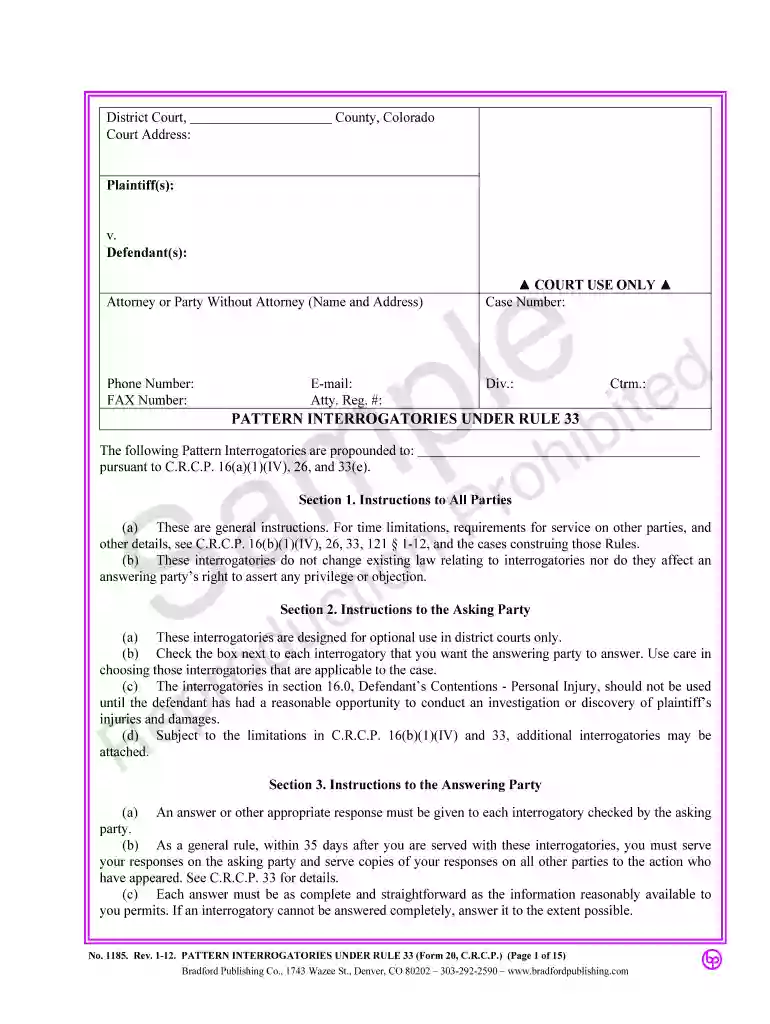
Subject to the limitations in C.R.C.P. 16(b)(11) and 33, additional, non-pattern interrogatories may be included. Form 20 SC Pattern Interrogatories. RRead more


