
Bank america 00 non federal request form 2026

Get Form
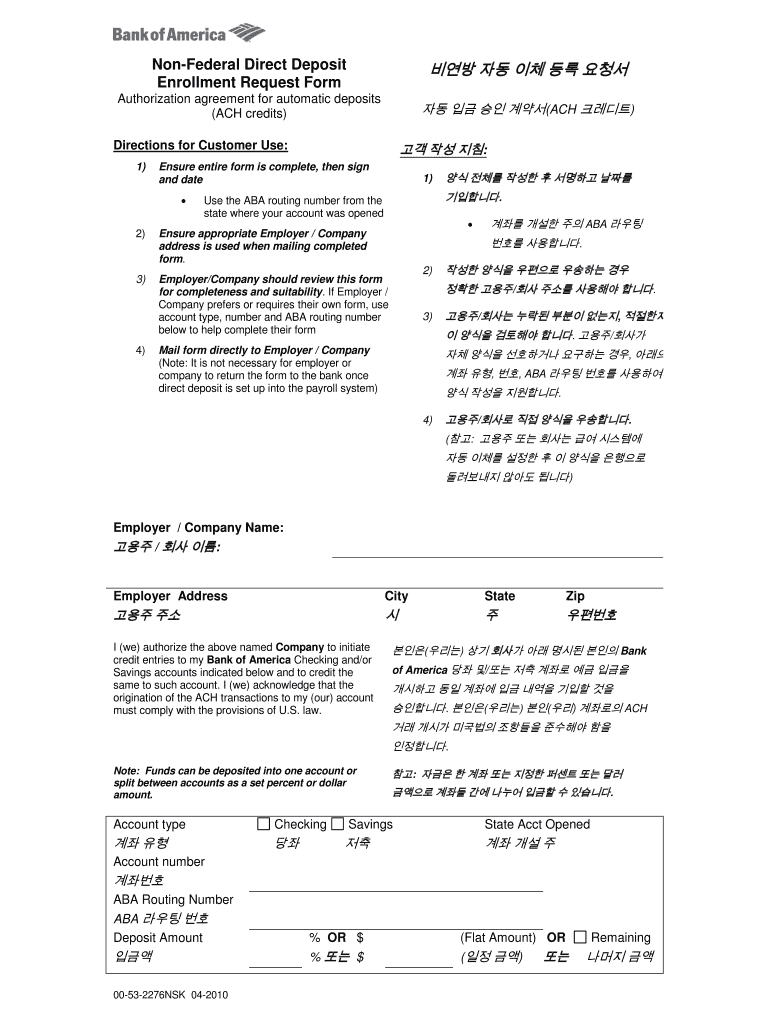
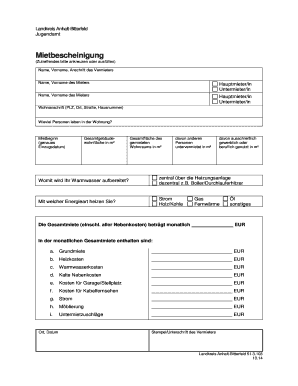
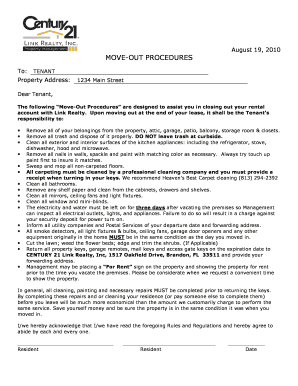
bank america 00 non federal request form Preview on Page 1

Here's how it works

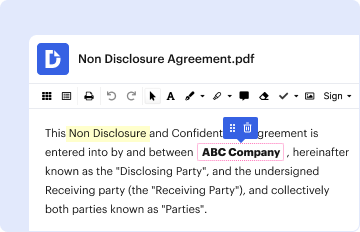
01. Edit your bank america 00 non federal request form online
Type text, add images, blackout confidential details, add comments, highlights and more.
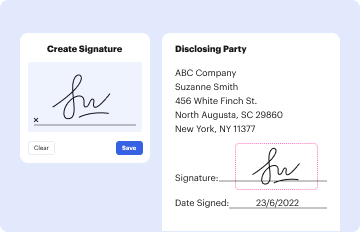
02. Sign it in a few clicks
Draw your signature, type it, upload its image, or use your mobile device as a signature pad.
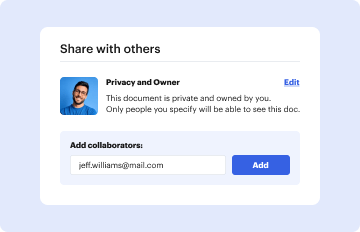
03. Share your form with others
Send it via email, link, or fax. You can also download it, export it or print it out.

How to use or fill out bank america 00 non federal request form with our platform

Form edit decoration
9.5
Ease of Setup
DocHub User Ratings on G2
9.0
Ease of Use
DocHub User Ratings on G2
  1. Click ‘Get Form’ to open the bank america 00 non federal request form in the editor.
  2. Begin by filling in your Employer/Company Name and Address. Ensure that the address is accurate for mailing purposes.
  3. In the account section, select the Account Type (Checking or Savings) and provide the State where your account was opened, along with your Account Number and ABA Routing Number.
  4. Specify the Deposit Amount as a percentage or flat dollar amount. You can also choose to split deposits between multiple accounts if needed.
  5. Complete your personal information by entering your First Name, Middle Name, Last Name, Address, City, State, Zip Code, and Telephone Number.
  6. Finally, sign and date the form to authorize automatic deposits. Review all entries for accuracy before submission.

Start using our platform today to fill out your bank america 00 non federal request form easily and for free!

See more bank america 00 non federal request form versions

We've got more versions of the bank america 00 non federal request form form. Select the right bank america 00 non federal request form version from the list and start editing it straight away!
Versions Form popularity Fillable & printable
2010 4.8 Satisfied (99 Votes)
be ready to get more

Complete this form in 5 minutes or less

Get form

Got questions?

We have answers to the most popular questions from our customers. If you can't find an answer to your question, please contact us.
Contact us

Microsoft Word doesn’t have signing tools to generate legitimate electronic signatures and enforceable paperwork. Luckily, DocHub is an online eSignature-compliant editor that supports different document formats, including .doc files. Log in to your account and upload the Word edition of your bank america 00 non federal request form from your device and cloud, or URL - our editor will automatically turn it into an editable PDF. Make all required changes in your form and click Sign to generate your own legally-binding eSignature. There are four signing options from which to choose.

If you store your files in Google Drive, there is no need to download your bank america 00 non federal request form on the computer and upload it back to our editor. A significantly simpler way is to install a browser extension created by DocHub to streamline this flow. The extension allows editing PDFs in your internet browser. Alternatively, you may integrate your DocHub and Gmail accounts for more efficient editing.

Security and compliance

At DocHub, your data security is our priority. We follow HIPAA, SOC2, GDPR, and other standards, so you can work on your documents with confidence.

Learn more
ccpa2
pci-dss
gdpr-compliance
hipaa
soc-compliance
be ready to get more

Complete this form in 5 minutes or less

Get form