




01. Edit your rut 25 lse online
Type text, add images, blackout confidential details, add comments, highlights and more.

Type text, add images, blackout confidential details, add comments, highlights and more.

Draw your signature, type it, upload its image, or use your mobile device as a signature pad.

Send it via email, link, or fax. You can also download it, export it or print it out.

Start using our platform today to simplify your form completion process for free!
We've got more versions of the rut 25 lse form. Select the right rut 25 lse version from the list and start editing it straight away!
At DocHub, your data security is our priority. We follow HIPAA, SOC2, GDPR, and other standards, so you can work on your documents with confidence.
The result of this may be an ABS DTC 25 or 27, because the lead becomes disconnected or stressed (causing poor terminal contact) during suspension movement,
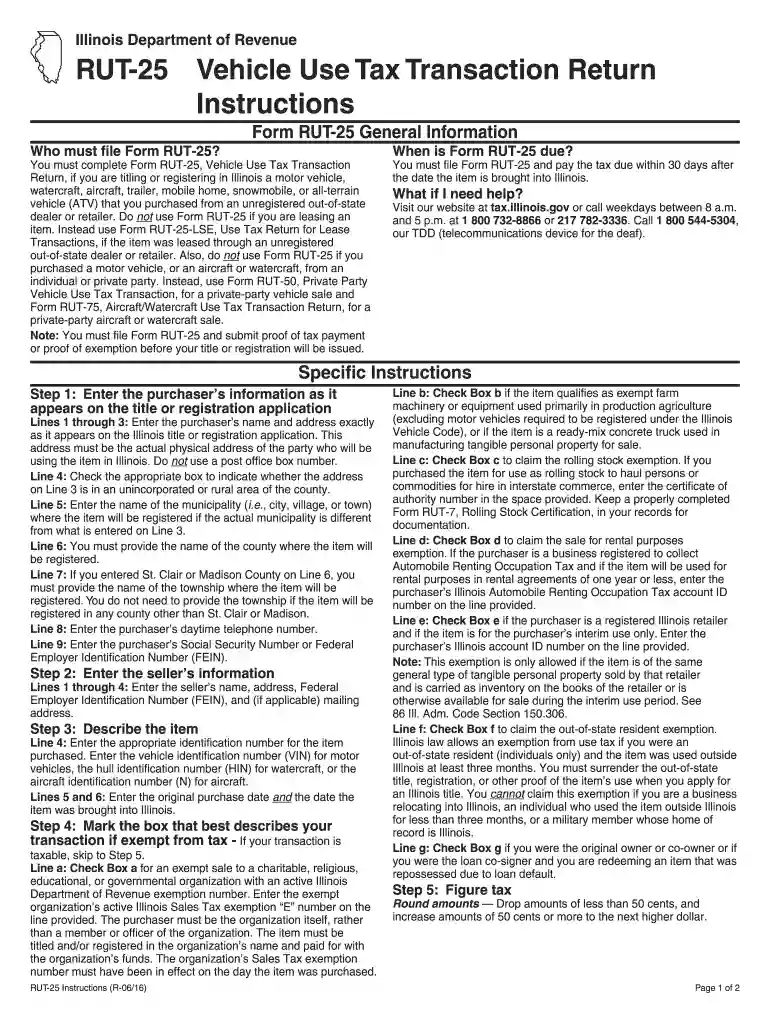
Forms ST-556, Sales Tax Transaction Return, and RUT-25, Vehicle Use Tax Transaction Return, have been revised. They should only be used to report nonleaseRead more
Forms RUT-25, RUT-25-LSE, and RUT-50 are generally obtained when you license and title your vehicle at the applicable state facility or at a currency


