




01. Edit your form online
Type text, add images, blackout confidential details, add comments, highlights and more.

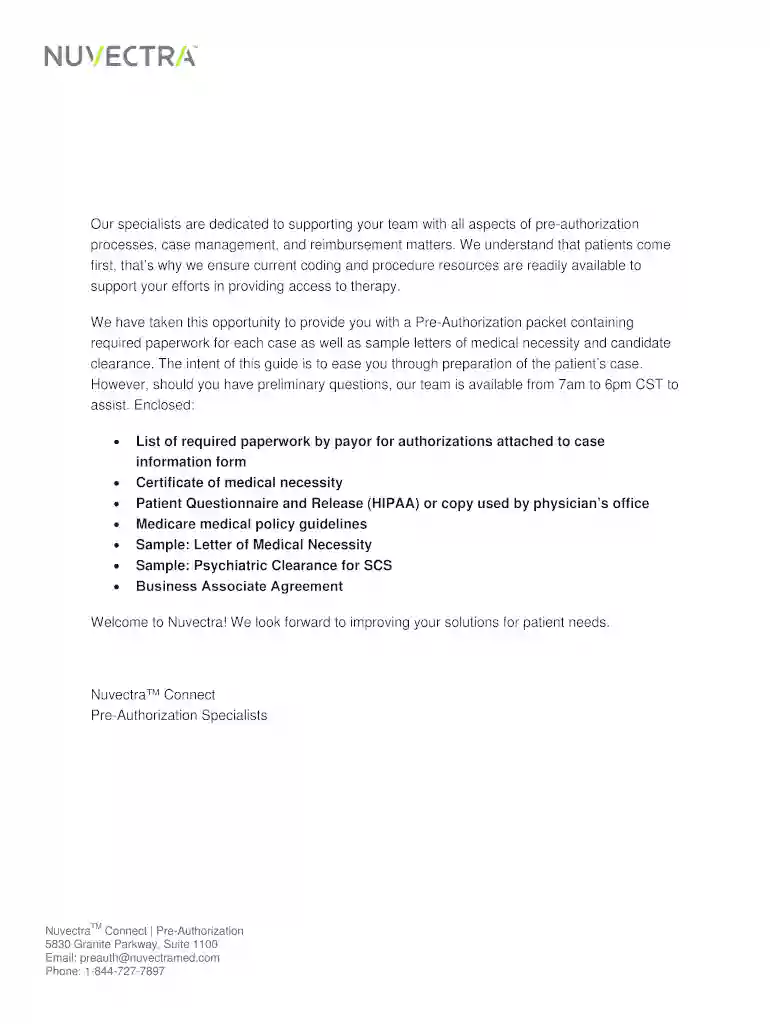
Type text, add images, blackout confidential details, add comments, highlights and more.

Draw your signature, type it, upload its image, or use your mobile device as a signature pad.

Send it via email, link, or fax. You can also download it, export it or print it out.

Start using our platform today to streamline your document editing and submission process for pre-authorizations!
At DocHub, your data security is our priority. We follow HIPAA, SOC2, GDPR, and other standards, so you can work on your documents with confidence.
Reimbursement is tied to benchmarked performance on the CAHPS Hospital Survey, and hospitals are rewarded or penalized based on their performance on specific
Feb 21, 2023 Care managers tend to focus more on the medical aspects of a patients care, while case managers typically work with clients on a broader range of issues.Read more


