

Start using our platform today for free to streamline your quitclaim deed process!
| Versions | Form popularity | Fillable & printable |
|---|---|---|
| 2022 | 4.8 Satisfied (54 Votes) |
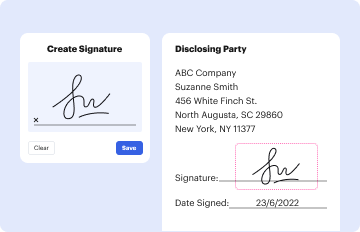
Sure, a typed name is accepted as a legitimate electronic signature when you add it to your form using a compliant solution like DocHub. Simply import your oh quitclaim deed legal to our editor, click Sign in the top tool pane → Create your signature → Type your name in the proper tab, and choose how it will look on your document.
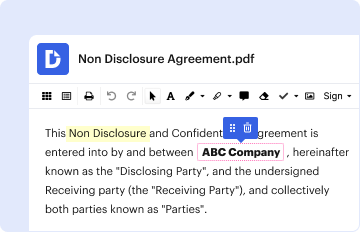
If you want to edit your oh quitclaim deed legal on the internet easily, it does not matter what browser you employ. DocHub’s straightforward editing tools are available using any internet browser. Simply open the appropriate tab within our editor, add your document, and fill it out without stress.
At DocHub, your data security is our priority. We follow HIPAA, SOC2, GDPR, and other standards, so you can work on your documents with confidence.
Learn more