




01. Edit your form nyc 210 online
Type text, add images, blackout confidential details, add comments, highlights and more.

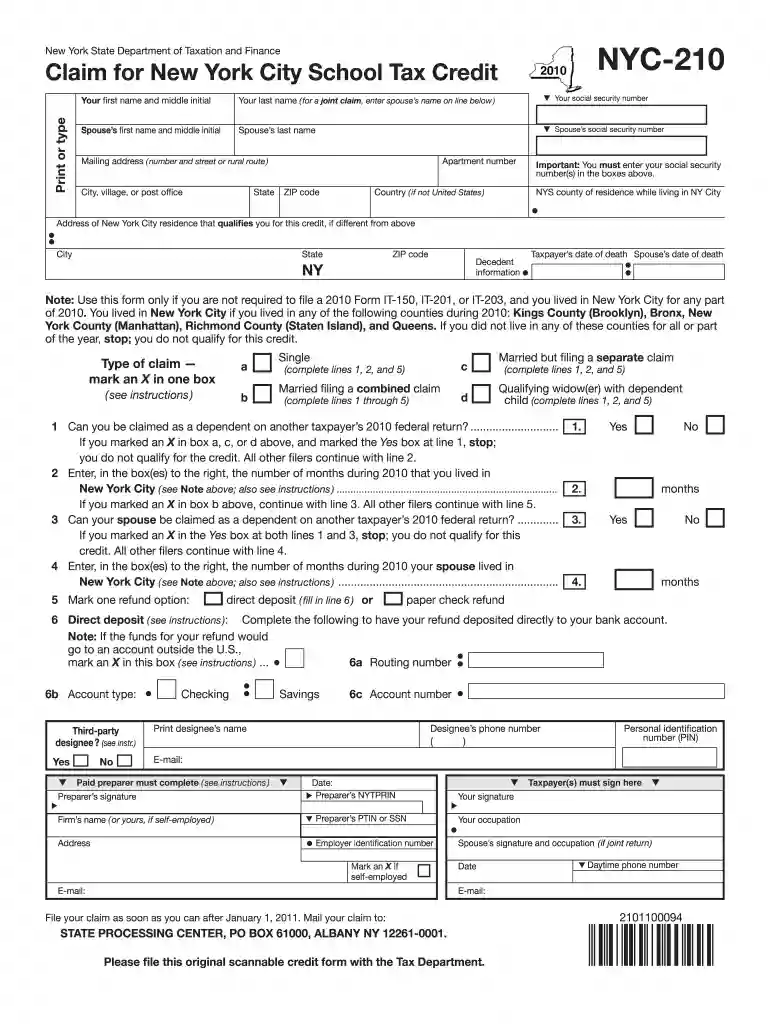
Type text, add images, blackout confidential details, add comments, highlights and more.

Draw your signature, type it, upload its image, or use your mobile device as a signature pad.

Send nyc 210 via email, link, or fax. You can also download it, export it or print it out.

Start filling out your NYC-210 form today using our platform for free!
At DocHub, your data security is our priority. We follow HIPAA, SOC2, GDPR, and other standards, so you can work on your documents with confidence.
Free crowd-sourced Model Railroad database and collection management system for Marklin other model train and accessory manufacturers.
Mar 13, 2021 Form NYC-210, Claim for New York City School Tax Credit, and its instructions. Who is eligible? You are entitled to this refundable creditRead more
Note: Use this form only if you are not required to file a 2019 Form IT-201 or IT-203, and you lived in New York City for any part of. 2019. You lived in NewRead more


