




Here's how it works

01. Edit your urban air donation request online
Type text, add images, blackout confidential details, add comments, highlights and more.

02. Sign it in a few clicks
Draw your signature, type it, upload its image, or use your mobile device as a signature pad.

03. Share your form with others
Send sky zone trampoline park donation request via email, link, or fax. You can also download it, export it or print it out.
How to use or fill out sky zone donation request with our platform

- Click ‘Get Form’ to open the Sky Zone Donation Request in the editor.
- Begin by entering the 'Name of Non-Profit Organization' in the designated field. Ensure that this is accurate as it represents your organization.
- Fill in the 'Date of Event' to specify when your event will take place. This helps Sky Zone prioritize requests based on timing.
- Provide the 'Contact’s Name', 'Contact’s Phone', and 'Contact’s Email'. These details are crucial for communication regarding your request.
- Input the 'Organization Address' and 'Organization Phone Number' to ensure they have all necessary contact information.
- Describe the 'Purpose of Event' clearly, as this section outlines why you are seeking a donation.
- Indicate the 'Number of Participants' expected at your event, which can help assess the impact of their potential contribution.
- Enter your 'Non-Profit Tax ID Number', as this is required for processing your request.
- Finally, review all entries for accuracy before submitting. Remember to attach a formal letter of request on official letterhead and any additional information if needed.
Start using our platform today to streamline your donation request process for free!
Fill out sky zone donation request online
It's free
It's free
Security and compliance
At DocHub, your data security is our priority. We follow HIPAA, SOC2, GDPR, and other standards, so you can work on your documents with confidence.
Learn more


Related forms
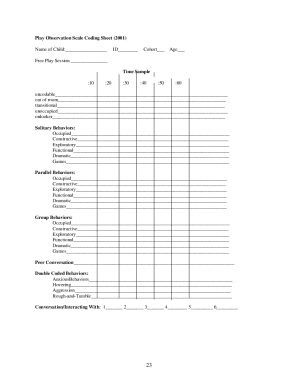
Play observation scale
The document outlines the Play Observation Scale (POS), developed by Kenneth H. Rubin, which categorizes children's play ...
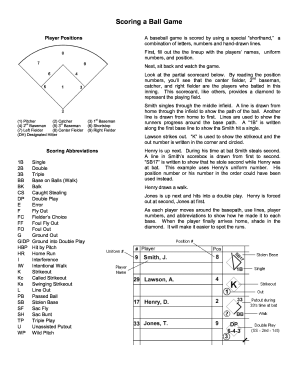
Baseball scorekeeping cheat sheet
The document provides a guide on how to score a baseball game using shorthand notation, including player positions, scor ...
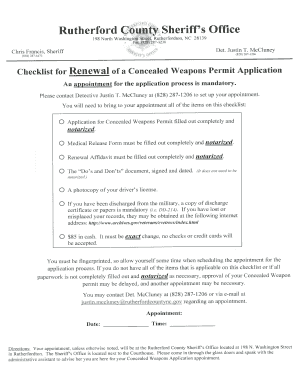
Concealed Handgun Permit Renewal Application Packet - rutherfordcountync
Mental certificate download
This document is a Certificate of Completion awarded to an individual for successfully completing a Mental Health Treatm ...

Artist research page template
The document is an Internet Artist Research Worksheet designed for students to gather and analyze information about a sp ...
Tut online application
The document appears to be empty or contains no content to analyze.

USSSA SLOW PITCH SOFTBALL WAIVER RELEASE OF LIABILITY & OFFICIAL TEAM ROSTER
The document is a waiver and release of liability for participants in the Elijah's Truth 2012 Charity Softball Tournamen ...