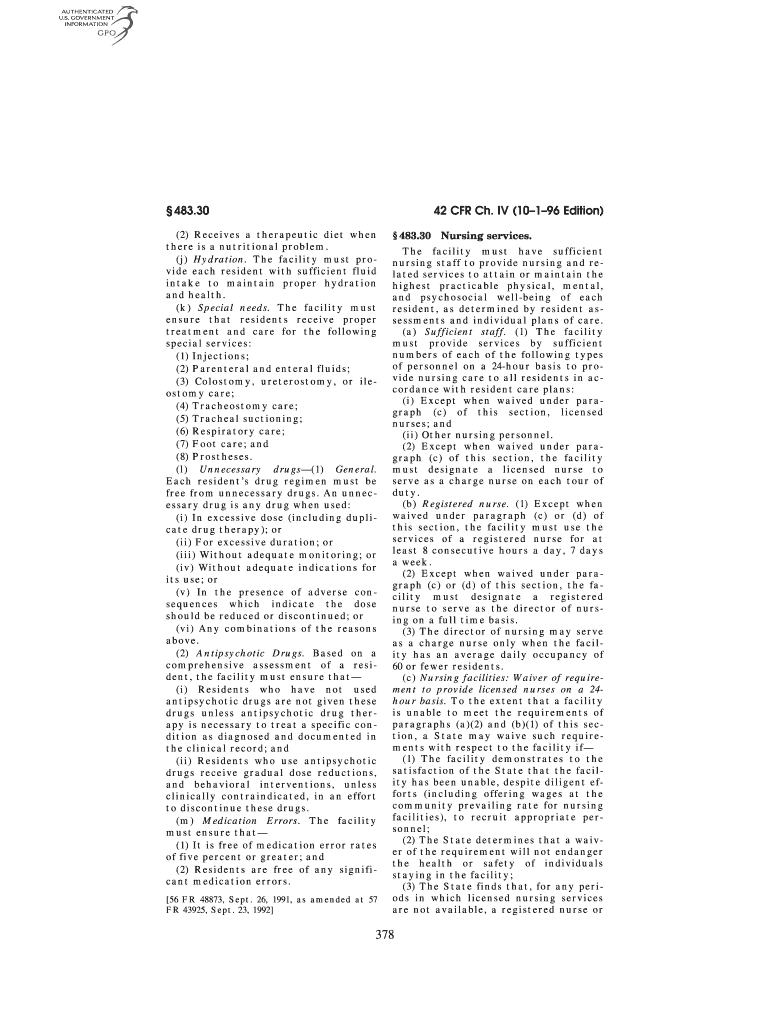
Start using our platform today to streamline your document editing and ensure comprehensive nutritional management!
| Versions | Form popularity | Fillable & printable |
|---|---|---|
| 1996 | 4.8 Satisfied (55 Votes) |
Electronic document signing requires a software solution that complies with data security and eSignature standards. DocHub is an excellent tool for that, since it meets all the above mentioned requirements. Whatever method you like to sign your Nutritional guidelines and menu checklist - Efad in DocHub, your eSignature will be legally binding and court-admissible.
When you choose analog ways of completing your Nutritional guidelines and menu checklist - Efad, you can easily download your file for printing. Search DocHub’s Forms & Templates catalog to get the exact file template you need and open it for editing or download it on your gadget in the format of your liking. It is possible to complete your form electronically and place your handwritten signature on it right after printing or eSign your file with DocHub.
At DocHub, your data security is our priority. We follow HIPAA, SOC2, GDPR, and other standards, so you can work on your documents with confidence.
Learn more