
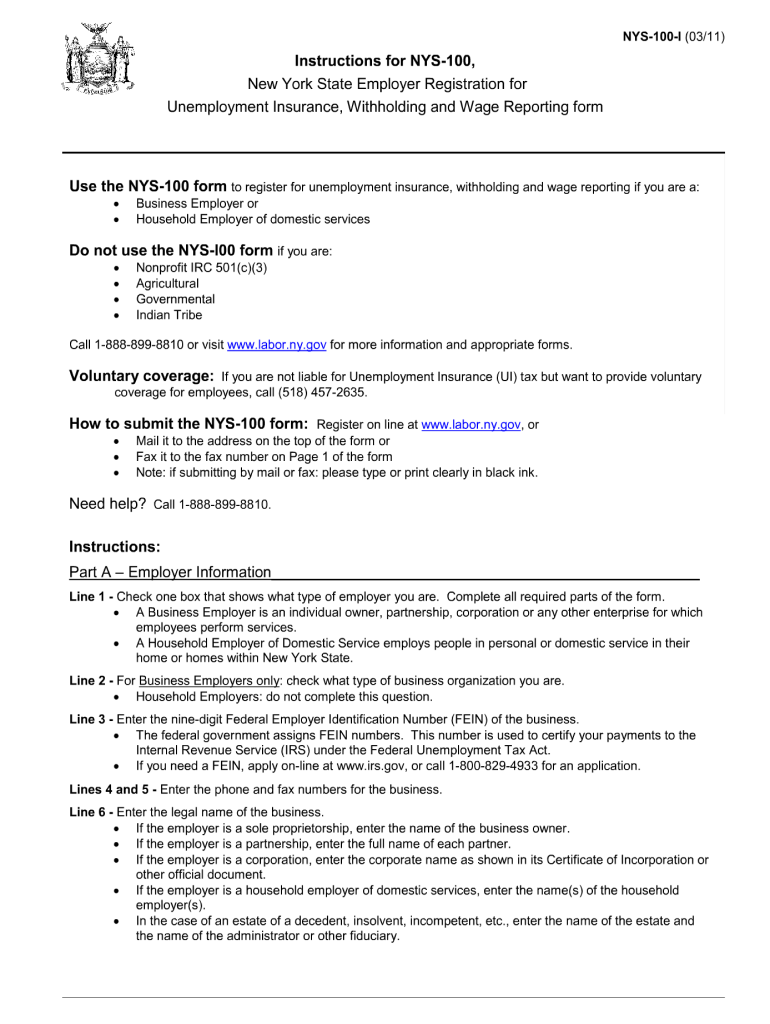



Nys 100 online 2011 form-2026

Get Form
nys 100 online 2011 form Preview on Page 1

Here's how it works

01. Edit your form online
Type text, add images, blackout confidential details, add comments, highlights and more.

02. Sign it in a few clicks
Draw your signature, type it, upload its image, or use your mobile device as a signature pad.

03. Share your form with others
Send it via email, link, or fax. You can also download it, export it or print it out.

How to use or fill out nys 100 online 2011 form with our platform

Form edit decoration
9.5
Ease of Setup
DocHub User Ratings on G2
9.0
Ease of Use
DocHub User Ratings on G2
  1. Click ‘Get Form’ to open the NYS 100 online 2011 form in our editor.
  2. Begin by entering your personal information in the designated fields, including your name, address, and Social Security number. Ensure accuracy as this information is crucial for processing.
  3. Next, navigate to the employment section. Here, you will need to provide details about your job title, employer's name, and employment dates. Use our platform’s features to easily edit and adjust any text.
  4. Proceed to the income section where you will report your earnings. Input figures carefully and utilize our tools for calculations if necessary.
  5. Finally, review all sections for completeness and accuracy. Once satisfied, use our platform’s signing feature to electronically sign the document before submission.

Start using our platform today for free to complete your NYS 100 online 2011 form effortlessly!

See more nys 100 online 2011 form versions

We've got more versions of the nys 100 online 2011 form form. Select the right nys 100 online 2011 form version from the list and start editing it straight away!
Versions Form popularity Fillable & printable
2023 4.2 Satisfied (46 Votes)
2017 4.2 Satisfied (32 Votes)
2016 4.3 Satisfied (72 Votes)
2013 4.1 Satisfied (77 Votes)
2011 4 Satisfied (27 Votes)
be ready to get more

Complete this form in 5 minutes or less

Get form

Got questions?

We have answers to the most popular questions from our customers. If you can't find an answer to your question, please contact us.
Contact us
NYS Department of Labor Certificate of Registration Required for Contractors and Subcontractors Compile all required materials for registration. Submit your application via the DOLs Contractor Registry portal. Acquire your Certificate of Registration.
Use the NYS 100 form to register for Unemployment Insurance, withholding and wage reporting if you are a: Business Employer, or Household Employer of domestic services.
Call our Telephone Claims Center toll-free at 888-209-8124. At the Main Menu, press 5 to ask a question about a claim you have already filed. If call volume is heavy, you may be placed on hold or offered a call back.
A: To complete the enrollment process for the NYSDOL Contractor Registry, contractors and subcontractors must provide detailed identifying information about their business, its officials, workers compensation and disability insurance, previous labor law violations, and apprenticeships.
FOR BUSINESSES The UI program is an insurance system. Employers pay into the system through a quarterly tax based on their payroll. The benefits paid are based on the persons work history in the prior 15 months.

Security and compliance

At DocHub, your data security is our priority. We follow HIPAA, SOC2, GDPR, and other standards, so you can work on your documents with confidence.

Learn more
ccpa2
pci-dss
gdpr-compliance
hipaa
soc-compliance
be ready to get more

Complete this form in 5 minutes or less

Get form

People also ask

Use the NYS 100 form to register for Unemployment Insurance, withholding and wage reporting if you are a: Business Employer, or Household Employer of domestic services. Call the Employer Hotline at (888) 899-8810 or visit .labor.ny.gov for more information and appropriate forms.
Find your Employer Registration Number on any previously filed quarterly tax return (Form NYS-45). Your UI contribution rate appears on Form IA 97 Notice of Unemployment Insurance Rate that you receive from the New York Department of Labor each year.
Back to Unemployment Benefit Process webpage Log into your NY.gov account. Select the File a claim button to begin your claim. On the next page, carefully read the instructions about filing your claim and then press Continue. You will be asked to add your social security number.

Related links

