




Here's how it works



How to use or fill out Comprehensive Women's Health Services with our platform

- Click ‘Get Form’ to open the Comprehensive Women's Health Services document in the editor.
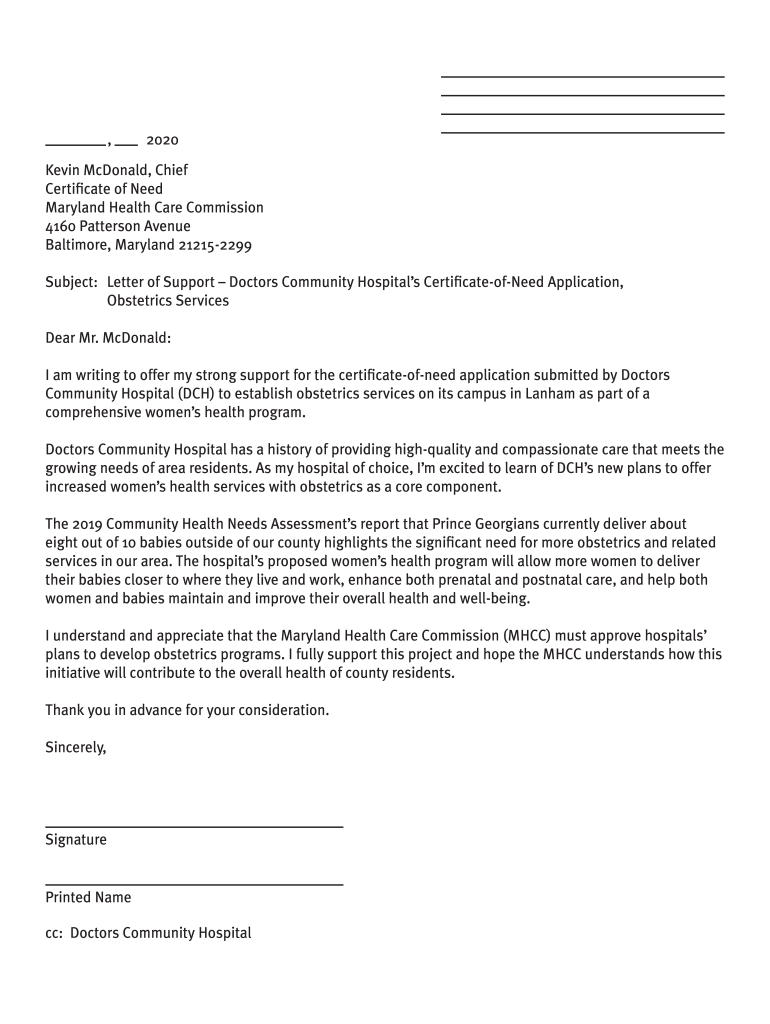
- Begin by reviewing the purpose of the form, which is to submit a letter of support for the certificate-of-need application. Familiarize yourself with the key components outlined in the document.
- Use one of the provided sample letters as a template. You can modify it to reflect your personal story and style, ensuring it aligns with your voice.
- Include your return address on your letterhead or a blank page. Address your letter to Kevin McDonald at the Maryland Health Care Commission, as specified in the samples.
- Finalize your letter by signing it and including your printed name. Make sure to send it via mail, email, or fax before the deadline of March 13, 2020.
Engage with our platform today to easily complete and submit your letter of support for free!
It's free
See more Comprehensive Women's Health Services versions
| Versions | Form popularity | Fillable & printable |
|---|---|---|
| 2020 | 4.8 Satisfied (173 Votes) |
Got questions?
Can I sign my Comprehensive Women's Health Services with my phone?
Yes, it is possible with DocHub. This reliable and compliant online solution has a phone-based signing option. Once you log in to your DocHub account and add your Comprehensive Women's Health Services to our editor, fill out all necessary fields and utilize the Sign feature on the upper barf. Click on Create your signature and choose Phone from the available choices. Here, you scan a QR code with your smartphone and draw your signature on your phone screen, as you normally do when approving physical papers. If you access DocHub right from your mobile device, you can electronically sign your template by drawing your electronic signature, adding its photo, or simply with a typed name.
How do you complete Comprehensive Women's Health Services online?
You can complete and sign your Comprehensive Women's Health Services online, even on a tight deadline. All you need to access top-notch editing tools on any device is a DocHub account, which you can register within a couple of moments. After you register, add your document or find what you are looking for in our catalog, complete it utilizing the editing tools you need, and place your electronic signature on it at the end.
What are the components of a well-woman visit?
What is a womens health class?
Is reproductive health the same as womens health?
Security and compliance
At DocHub, your data security is our priority. We follow HIPAA, SOC2, GDPR, and other standards, so you can work on your documents with confidence.
Learn more




