
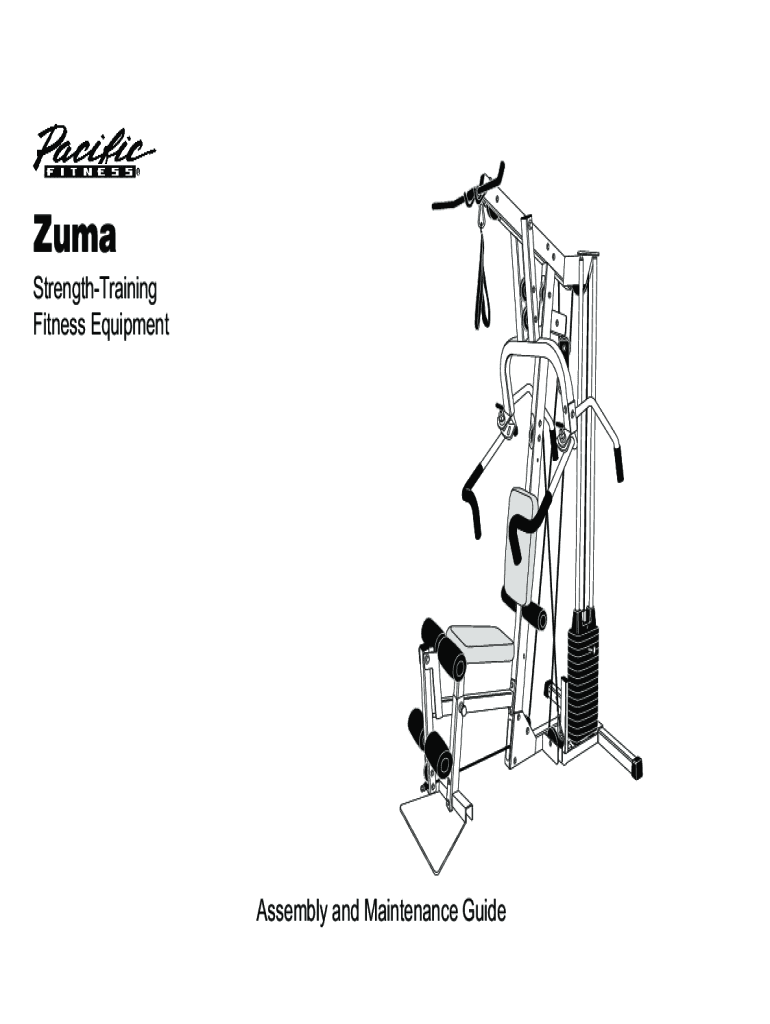




Here's how it works



How to use or fill out Pacific Fitness Home Gym Manual with our platform

- Click ‘Get Form’ to open the Pacific Fitness Home Gym Manual in the editor.
- Begin by reviewing the 'Important Safety Instructions' section. Ensure you understand all safety precautions before proceeding with assembly.
- Navigate to the 'Assembly Instructions' section. Follow each step sequentially, using the provided illustrations for guidance. Make sure to gather all required tools listed in the 'Required Tools' section.
- As you complete each assembly step, check off items on your list within the editor to keep track of your progress and ensure nothing is missed.
- Once assembly is complete, proceed to fill out the warranty registration card located at the end of the manual. This ensures your equipment is covered under warranty.
Start using our platform today for free and streamline your document editing experience!
It's free
See more pacific fitness home gym manual versions
| Versions | Form popularity | Fillable & printable |
|---|---|---|
| 2001 | 4.3 Satisfied (52 Votes) |
Got questions?
Can I complete and sign my pacific fitness malibu home gym manual online?
Sure, and it’s really easy! DocHub is a web-based PDF editor with advanced document management functions that allow you rapidly adjust your documents, complete empty fields and insert new ones for other people to fill out, and create electronic signatures in several ways. Import your pacific fitness malibu home gym manual, give information as required, and choose how you want to eSign your template - by typing your name, drawing your signature, uploading its picture, or utilizing a QR code.
How do you edit ngb form 22 5 r e interstate transfer agreement on iOS?
You can easily edit fill out your ngb form 22 5 r e interstate transfer agreement on any iOS device. Open an internet browser of your choice, go to the DocHub site, authorize or create a new account, add your file for editing, and make your required adjustments. Our service is mobile-friendly, so using its features on your smartphone will be a no-brainer, even on the first try.
What is Pacific Fitness?
What is Ziva fitness?
What is consumer in physical education?
Security and compliance
At DocHub, your data security is our priority. We follow HIPAA, SOC2, GDPR, and other standards, so you can work on your documents with confidence.
Learn more


