Physician query form 2026

Get Form
physician query form Preview on Page 1

Here's how it works

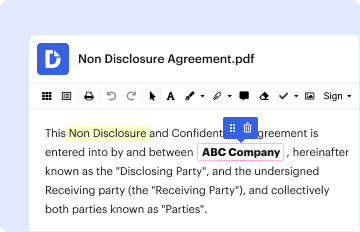
01. Edit your physician query form online
Type text, add images, blackout confidential details, add comments, highlights and more.

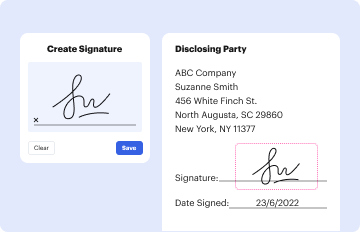
02. Sign it in a few clicks
Draw your signature, type it, upload its image, or use your mobile device as a signature pad.
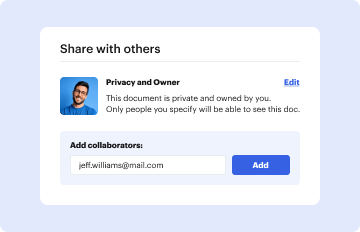
03. Share your form with others
Send it via email, link, or fax. You can also download it, export it or print it out.

How to use or fill out physician query form with our platform

Form edit decoration
9.5
Ease of Setup
DocHub User Ratings on G2
9.0
Ease of Use
DocHub User Ratings on G2
  1. Click ‘Get Form’ to open the physician query form in the editor.
  2. Begin by entering the date at the top of the form. This is essential for record-keeping.
  3. Fill in your name and phone number as the coder, ensuring accurate communication.
  4. Input the patient's name, admit date, MR#, discharge date, and account number in their respective fields.
  5. Review the clinical indicators listed. Check each box that corresponds to findings present in the medical record.
  6. Respond to the question regarding treatment for generalized sepsis by selecting 'Yes', 'No', or 'Unable to determine'. If 'Yes', document the specific diagnosis below.
  7. Ensure you sign and date the form at the bottom before submitting it back via fax as instructed.

Start using our platform today for free to streamline your document editing and completion process!

See more physician query form versions

We've got more versions of the physician query form form. Select the right physician query form version from the list and start editing it straight away!
Versions Form popularity Fillable & printable
2009 4.3 Satisfied (45 Votes)
be ready to get more

Complete this form in 5 minutes or less

Get form

Got questions?

We have answers to the most popular questions from our customers. If you can't find an answer to your question, please contact us.
Contact us
A physician query is defined as a written question to a physician to obtain additional, clarifying documentation to improve the specificity and completeness of the data used to assign diagnosis and procedure codes in the patients health record.
initiate queries as appropriate when documentation within the medical record fails to meet one of the following criteria: legibility, completeness, clarity, consistency, and/or precision. A query may be generated by a CDI Specialist or a Coder.
Following are some tips to help you write effective, compliant queries: Queries are not the time to educate physicians about coding. Have clear titles. Make sure your question is clear. Offer response options. Avoid Yes/No questions. Quote the medical record word-for-word. Never introduce new information.
Below are examples of typical query questions: Can you identify the specific organism responsible for patients pneumonia? CLINICAL FINDINGS WITHOUT DIAGNOSIS: Can you provide the condition described by the clinical indicators listed above?
Queries should focus on specific clinical indicators or diagnoses requiring clarification and include supporting evidence and other relevant information, such as lab results, imaging studies, and other clinical data.

Security and compliance

At DocHub, your data security is our priority. We follow HIPAA, SOC2, GDPR, and other standards, so you can work on your documents with confidence.

Learn more
ccpa2
pci-dss
gdpr-compliance
hipaa
soc-compliance