




01. Edit your au 933 online
Type text, add images, blackout confidential details, add comments, highlights and more.

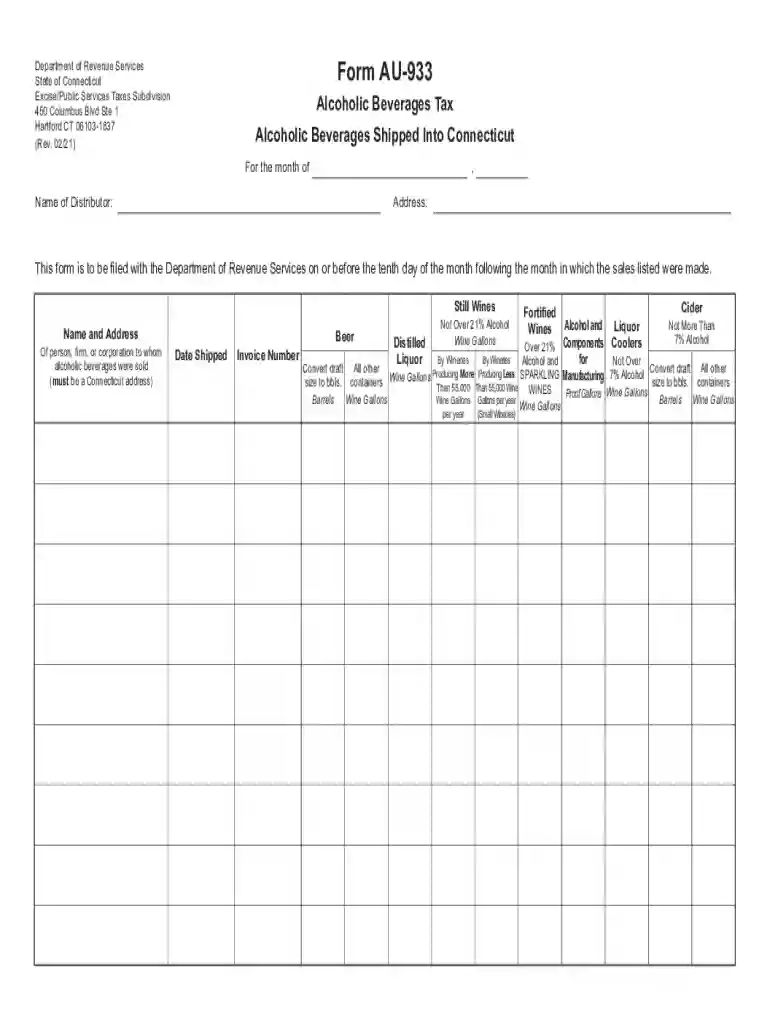
Type text, add images, blackout confidential details, add comments, highlights and more.

Draw your signature, type it, upload its image, or use your mobile device as a signature pad.

Send connecticut form au 933 via email, link, or fax. You can also download it, export it or print it out.

Start using our platform today to fill out Form AU-933 quickly and efficiently!
We've got more versions of the au 933 form. Select the right au 933 version from the list and start editing it straight away!
With DocHub, it’s pretty simple. The platform offers users an add-on called DocHub for Gmail, which you can locate in the Google Workspace Marketplace without being charged. Install it and grant it access to your Google account. Open your email with your ct form au 933 attached and click on the add-on button in the right-side panel. Sign in to your DocHub account, and upload the form to our editor, where you can fill it out and sign.
You can quickly complete, edit, and even eSign your form au 933 utilizing DocHub. Create a new account and start your free trial. After that, you can upload the document with the form and easily make all the required edits. No need to print on paper or use a third-party application to sign it, as you can place your electronic signature on your document quicker through DocHub.
At DocHub, your data security is our priority. We follow HIPAA, SOC2, GDPR, and other standards, so you can work on your documents with confidence.
by MD Miner 2018 Cited by 1 The sexual response cycle is conceptualized as a sequential series of psychophysiological states that usually occur in an orderly progression. These.Read more
CHS Student Policies, Standards, and Forms. Policies listed below are not only University-specific, but also pertain to professional practice. Policies andRead more
1. This form is to be filed with the Department of Revenue Services on or before the tenth day of the month following the month in which the sales listed wereRead more


