




01. Edit your ciob professional review example online
Type text, add images, blackout confidential details, add comments, highlights and more.

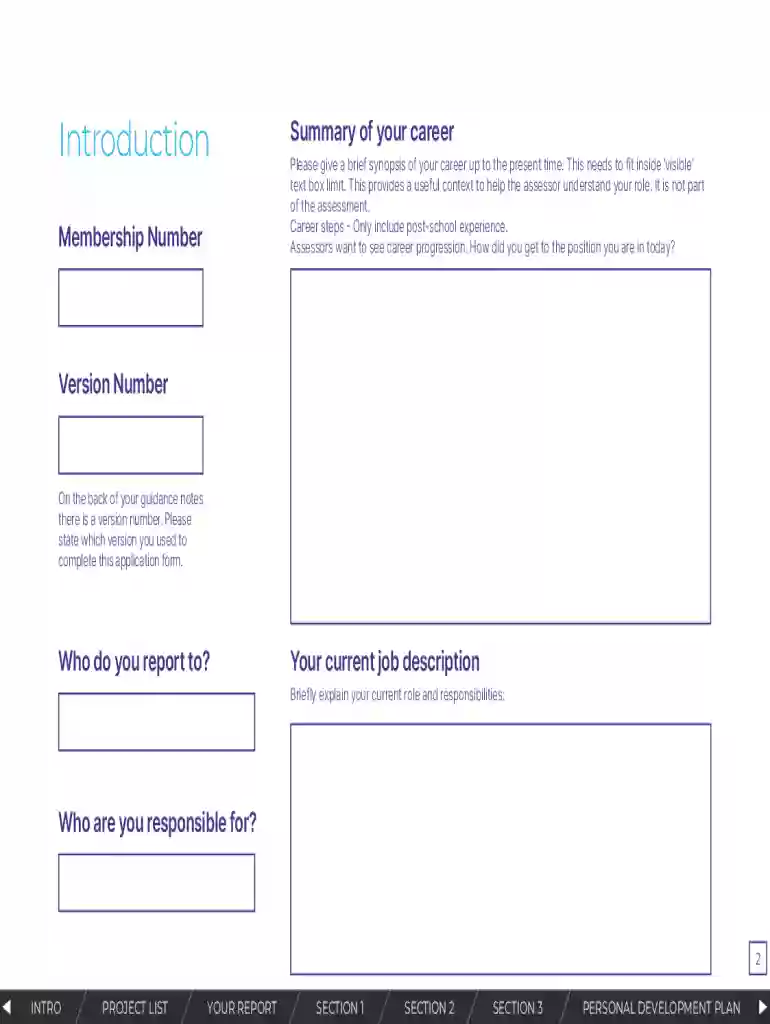
Type text, add images, blackout confidential details, add comments, highlights and more.

Draw your signature, type it, upload its image, or use your mobile device as a signature pad.

Send chartered membership form via email, link, or fax. You can also download it, export it or print it out.

Start filling out your Application for Chartered Membership today using our platform for free!
We've got more versions of the ciob professional review example form. Select the right ciob professional review example version from the list and start editing it straight away!
At DocHub, your data security is our priority. We follow HIPAA, SOC2, GDPR, and other standards, so you can work on your documents with confidence.
This charter serves as the annual statement by the President and their Advisor attesting that the organization has no rules or policies which discriminate onRead more
Sep 4, 2025 The nomination package consists of: A cover letter that addresses both the past and present scientific review needs of the study sectionRead more
It is the policy of (^Company^) to protect the confidentiality, security, and integrity of each members non-public personal information.Read more


