




01. Edit your form 725 online
Type text, add images, blackout confidential details, add comments, highlights and more.

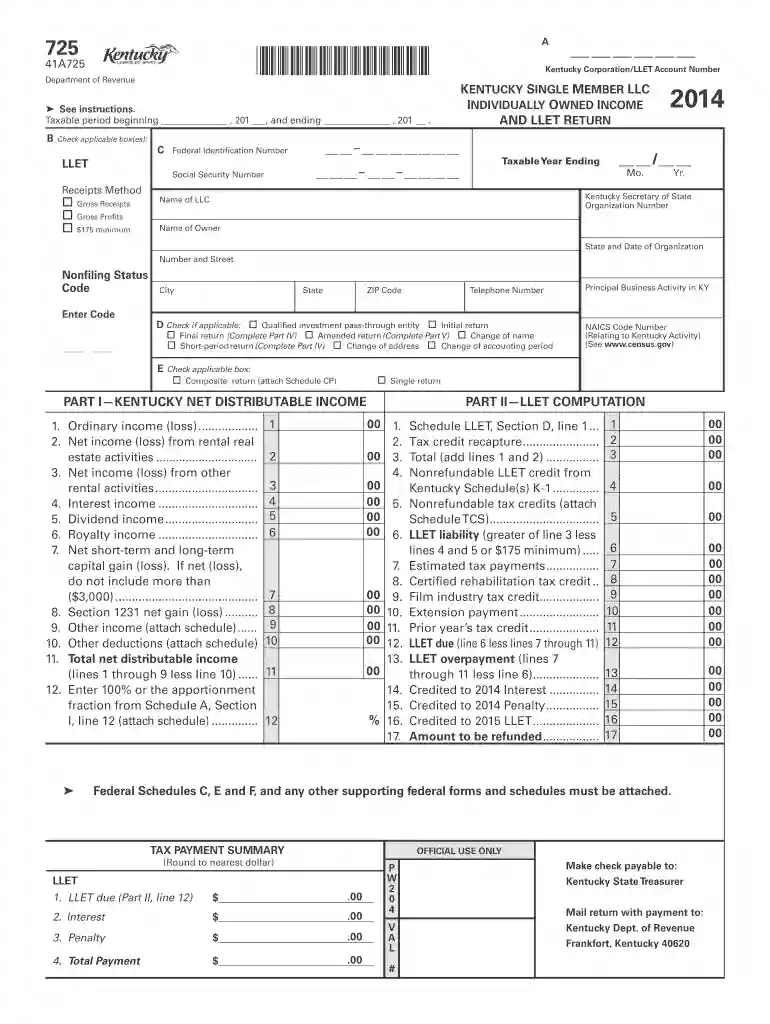
Type text, add images, blackout confidential details, add comments, highlights and more.

Draw your signature, type it, upload its image, or use your mobile device as a signature pad.

Send form 725 kentucky 2022 via email, link, or fax. You can also download it, export it or print it out.

Start filling out your 2014 Kentucky 725 form online for free today!
We've got more versions of the form 725 form. Select the right form 725 version from the list and start editing it straight away!
| Versions | Form popularity | Fillable & printable |
|---|---|---|
| 2025 | 4.8 Satisfied (35 Votes) | |
| 2024 | 4.7 Satisfied (29 Votes) | |
| 2023 | 4.9 Satisfied (60 Votes) | |
| 2022 | 4.9 Satisfied (30 Votes) | |
| 2021 | 4.5 Satisfied (36 Votes) | |
| 2020 | 4.8 Satisfied (140 Votes) | |
| 2016 | 4.3 Satisfied (152 Votes) | |
| 2015 | 4.3 Satisfied (375 Votes) | |
| 2014 | 4.3 Satisfied (309 Votes) | |
| 2012 | 4.2 Satisfied (52 Votes) | |
| 2008 | 4.4 Satisfied (93 Votes) | |
| 2007 | 4 Satisfied (45 Votes) | |
| 2006 | 4.4 Satisfied (423 Votes) |
At DocHub, your data security is our priority. We follow HIPAA, SOC2, GDPR, and other standards, so you can work on your documents with confidence.
Assign code 5 when the tumor originates in the midline of a site listed: C700 (cerebral meninges). C710-C714 (brain). C722-C725 (cranial nerves). C443 (skin ofRead more
A single member LLC is required by law to file a Kentucky Single. Member LLC Individually Owned LLET Return (Form. 725). Refer to the chart on page 3 toRead more


