




01. Edit your certification for no information reporting online
Type text, add images, blackout confidential details, add comments, highlights and more.

Type text, add images, blackout confidential details, add comments, highlights and more.

Draw your signature, type it, upload its image, or use your mobile device as a signature pad.

Send certification for no information reporting how to fill out via email, link, or fax. You can also download it, export it or print it out.

Start using our platform today to complete your certification form quickly and efficiently!
At DocHub, your data security is our priority. We follow HIPAA, SOC2, GDPR, and other standards, so you can work on your documents with confidence.
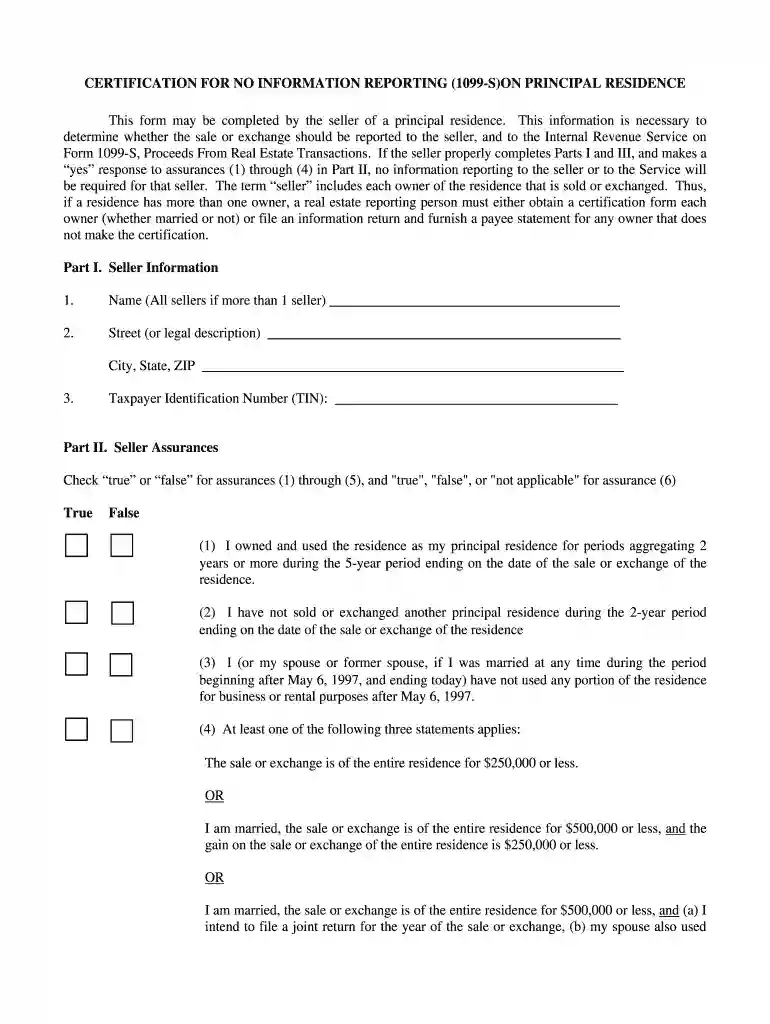
If a residence has more than one owner, a real estate reporting person must either obtain a certification from each owner (whether married or not) or file anRead more
No reporting is required for the sale or exchange of an interest in the following types of property, provided the sale is not related to the sale orRead more
Apr 24, 2013 (E) No person required to provide information under this. Act may claim that the information is entitled to protection under this paragraphRead more


