




01. Edit your relocation form online
Type text, add images, blackout confidential details, add comments, highlights and more.

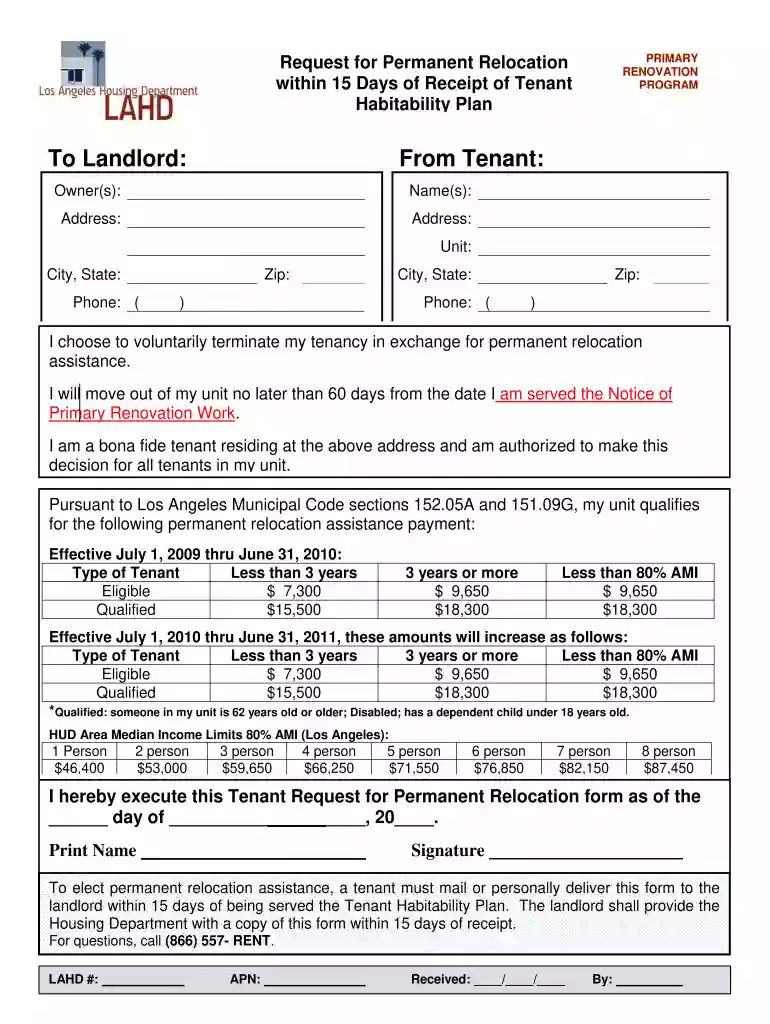
Type text, add images, blackout confidential details, add comments, highlights and more.

Draw your signature, type it, upload its image, or use your mobile device as a signature pad.

Send relocation request form via email, link, or fax. You can also download it, export it or print it out.

Start using our platform today for free to streamline your document editing and submission process!
At DocHub, your data security is our priority. We follow HIPAA, SOC2, GDPR, and other standards, so you can work on your documents with confidence.
The PHA must inform you of your right to return and give you at least 30 days to decide whether to accept another housing option. A PHA cannot use any tacticsRead more
Apr 7, 2024 Q0 Is it a permanent move? Yes, the transfer is permanent, but the event is temporary. You will remain in the state after the event endsRead more
Units of the University of Illinois System may provide payments to eligible faculty and staff for the purpose of supporting the personnel relocation process.Read more


