




01. Edit your clinical breast exam form online
Type text, add images, blackout confidential details, add comments, highlights and more.

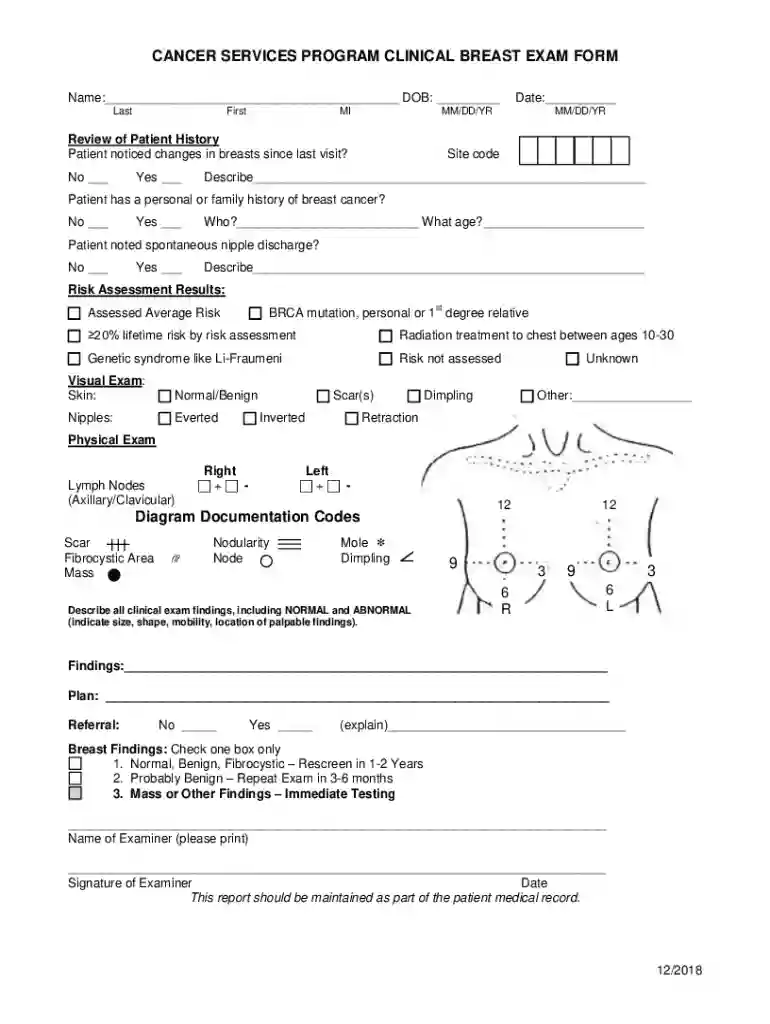
Type text, add images, blackout confidential details, add comments, highlights and more.

Draw your signature, type it, upload its image, or use your mobile device as a signature pad.

Send it via email, link, or fax. You can also download it, export it or print it out.

Handling documents with our comprehensive and user-friendly PDF editor is straightforward. Make the steps below to complete Clinical breast exam form online quickly and easily:
Take advantage of DocHub, one of the most easy-to-use editors to promptly manage your paperwork online!
We've got more versions of the clinical breast exam form form. Select the right clinical breast exam form version from the list and start editing it straight away!
Yes, you can use DocHub for signing any business and personal paperwork, including your Review of Patient History. All electronic signatures you create with our service are legally binding and court-admissible, as DocHub complies with criteria required by ESIGN and UETA. Save your completed paperwork with a detailed Audit Trail if necessary.
With DocHub, there are several convenient ways to edit your Review of Patient History online. You can drag and drop the form and edit it directly at the DocHub website or use our browser extension to fill out your form immediately. On top of that, you can edit your PDF on your smartphone, as DocHub is compatible with all the available mobile platforms.
At DocHub, your data security is our priority. We follow HIPAA, SOC2, GDPR, and other standards, so you can work on your documents with confidence.


