




01. Edit your tenancy summons and return of service online
Type text, add images, blackout confidential details, add comments, highlights and more.

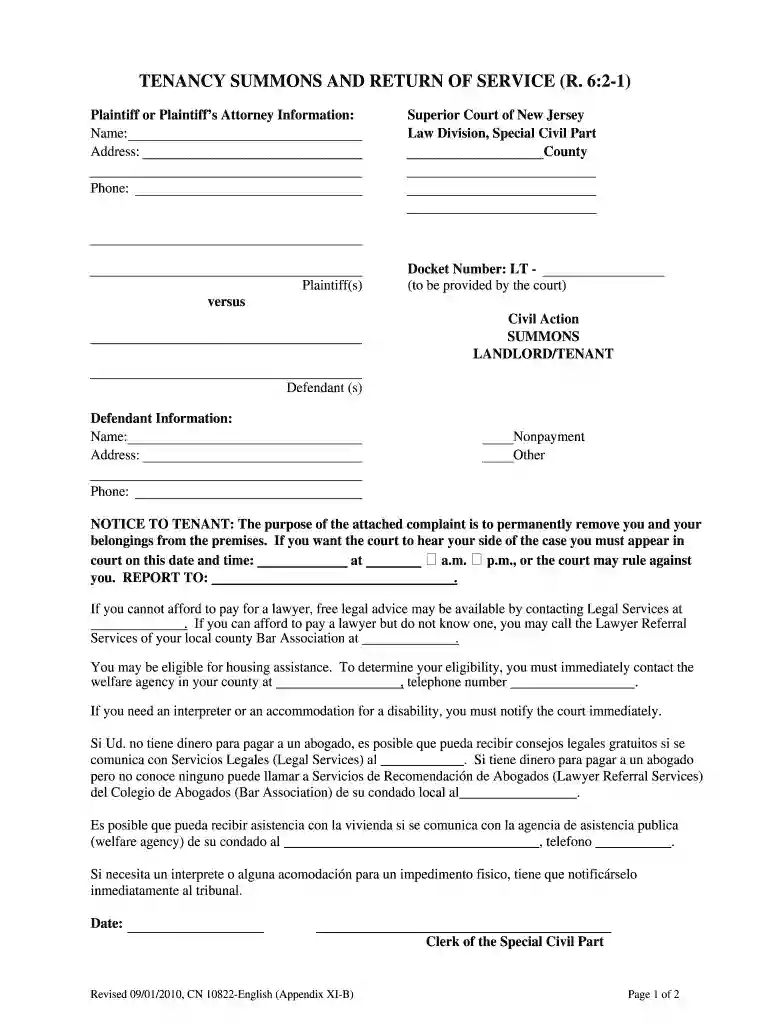
Type text, add images, blackout confidential details, add comments, highlights and more.

Draw your signature, type it, upload its image, or use your mobile device as a signature pad.

Send return of summons via email, link, or fax. You can also download it, export it or print it out.

Start using our platform today to streamline your document editing and ensure a smooth process!
At DocHub, your data security is our priority. We follow HIPAA, SOC2, GDPR, and other standards, so you can work on your documents with confidence.
Feb 23, 2018 Indicate by check mark whether the registrant (1) has filed all reports required to be filed by Section 13 or 15(d) of the Securities ExchangeRead more
SUMMONS. LANDLORD TENANT. Defendant (s). Defendant Information: Name: Nonpayment COURT OFFICERS RETURN OF SERVICE (FOR COURT USE ONLY). Docket NumberRead more
A landlord must use a 60-day notice to end a month-to-month tenancy, if the tenant has been renting for more than one year and the landlord wants the tenant toRead more


