




Here's how it works

01. Edit your dochub com fillable form online
Type text, add images, blackout confidential details, add comments, highlights and more.

02. Sign it in a few clicks
Draw your signature, type it, upload its image, or use your mobile device as a signature pad.

03. Share your form with others
Send schedule of values g703 excel via email, link, or fax. You can also download it, export it or print it out.
How to Use or Fill Out Schedule of Values with Our Platform

- Click ‘Get Form’ to open the Schedule of Values in the editor.
- Begin by entering the PSU Project Name, Project Number, and Contractor details at the top of the form. This information is crucial for identifying your project.
- In the Application section, fill out the Application Number, Application Date, and Period To. These fields help track your payment applications accurately.
- For each work item listed under 'Description of Work', input the corresponding Item No., Work Completed Value (D), Stored Materials Value (E), and Total Value (F). Ensure these values reflect your current progress.
- Calculate and enter the Scheduled Applications for this period (G) based on previous materials completed and stored to date. This will help you keep track of your financials.
- Finally, review all entries for accuracy before saving or sharing your completed Schedule of Values. Utilize our platform’s features to sign and distribute your document seamlessly.
Start using our platform today to streamline your document editing and enhance your workflow!
Fill out schedule of values online
It's free
It's free
Security and compliance
At DocHub, your data security is our priority. We follow HIPAA, SOC2, GDPR, and other standards, so you can work on your documents with confidence.
Learn more


Related forms

Mcle form no 3
The document is a compliance report form for attorneys in the Philippines, detailing the requirements for Mandatory Cont ...
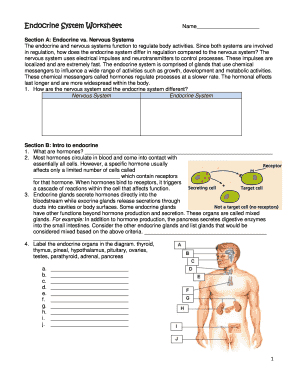
Endocrine system worksheet pdf
The document is a worksheet focused on the endocrine system, detailing its functions, differences from the nervous syste ...
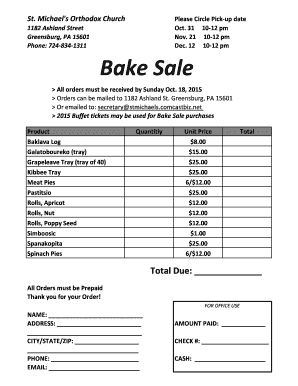
Bake sale order form
The document is an order form for a Bake Sale organized by St. Michael's Orthodox Church, detailing pick-up dates, produ ...

Fillable marriage certificate
The document titled 'Blank Marriage Certificate.pdf' appears to be a compilation of various resources and forms related ...
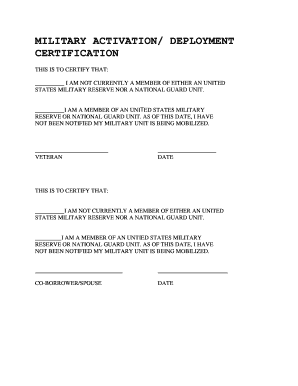
Military activation deployment certification
The document is a certification form for individuals to declare their current status regarding membership in the United ...

Michigan funeral representative form
The document is a Funeral Representative Designation form that allows an individual to appoint a primary and successor f ...