




01. Edit your form 111 orea online
Type text, add images, blackout confidential details, add comments, highlights and more.

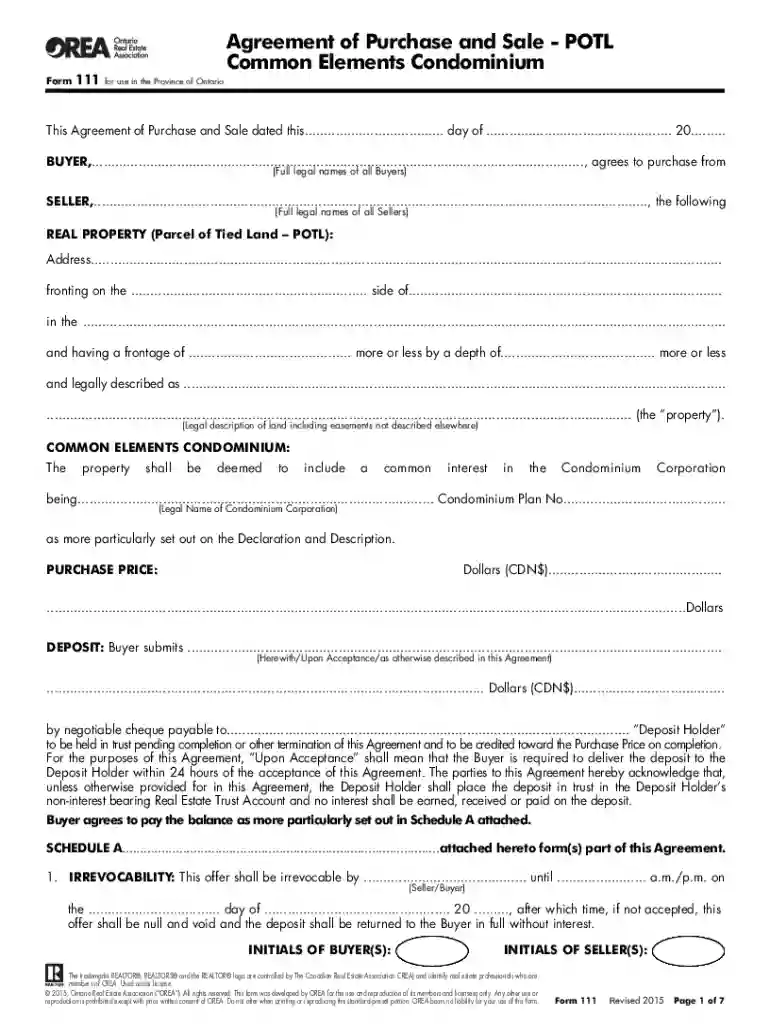
Type text, add images, blackout confidential details, add comments, highlights and more.

Draw your signature, type it, upload its image, or use your mobile device as a signature pad.

Send orea form 111 via email, link, or fax. You can also download it, export it or print it out.

Start using our platform today for free to streamline your document editing and signing process!
At DocHub, your data security is our priority. We follow HIPAA, SOC2, GDPR, and other standards, so you can work on your documents with confidence.
This form is forwarded to acknowledge notification of birth or adoption of a child so that the department, college, and university records can be updated.Read more
Bank Secrecy Act Forms and Filing Requirements. FinCEN SAR Form 111. To file a FinCEN SAR report BSA SAR Federal Register Notice Public Comments andRead more
KlothY stands as a potential replacement for environmentally harmful fabrics, but it must align with consumer behavior, industry standards and environmentalRead more


