




01. Edit your eeo usps form online
Type text, add images, blackout confidential details, add comments, highlights and more.

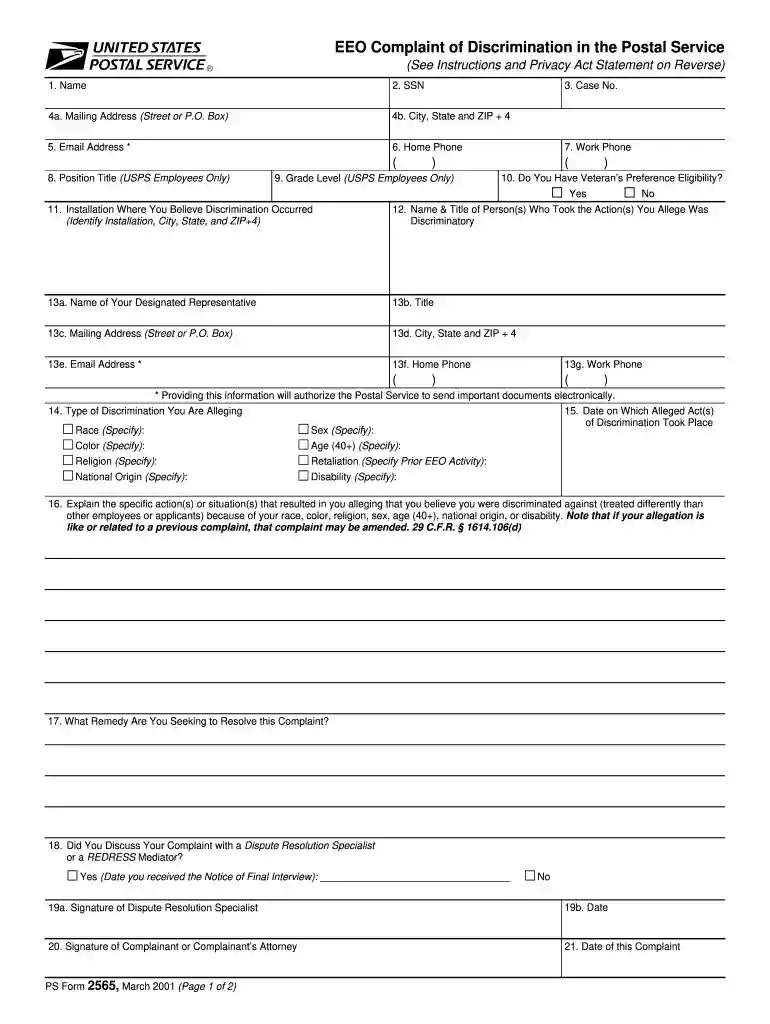
Type text, add images, blackout confidential details, add comments, highlights and more.

Draw your signature, type it, upload its image, or use your mobile device as a signature pad.

Send usps eeoc via email, link, or fax. You can also download it, export it or print it out.

Start using our editor today for free to complete your USPS Form Complaint efficiently!
We've got more versions of the eeo usps form form. Select the right eeo usps form version from the list and start editing it straight away!
At DocHub, your data security is our priority. We follow HIPAA, SOC2, GDPR, and other standards, so you can work on your documents with confidence.


Nov 13, 2025 To file a complaint online, select the topic below Whats the reason for your inquiry? on the USPS Email us page. Call 1-800-ASK-USPS (1-Read more
There is no required form for submitting a request. A requester should simply write a letter, indicating. FOIA somewhere on the letter, and describe theRead more
Contact Employee Labor Relations at HR-ELR@admin.fsu.edu or 850-644-6475. Phone. 850-644-6475. Section. Employee Labor Relations. Revised.Read more


