




01. Edit your pregnancy test result paper online
Type text, add images, blackout confidential details, add comments, highlights and more.

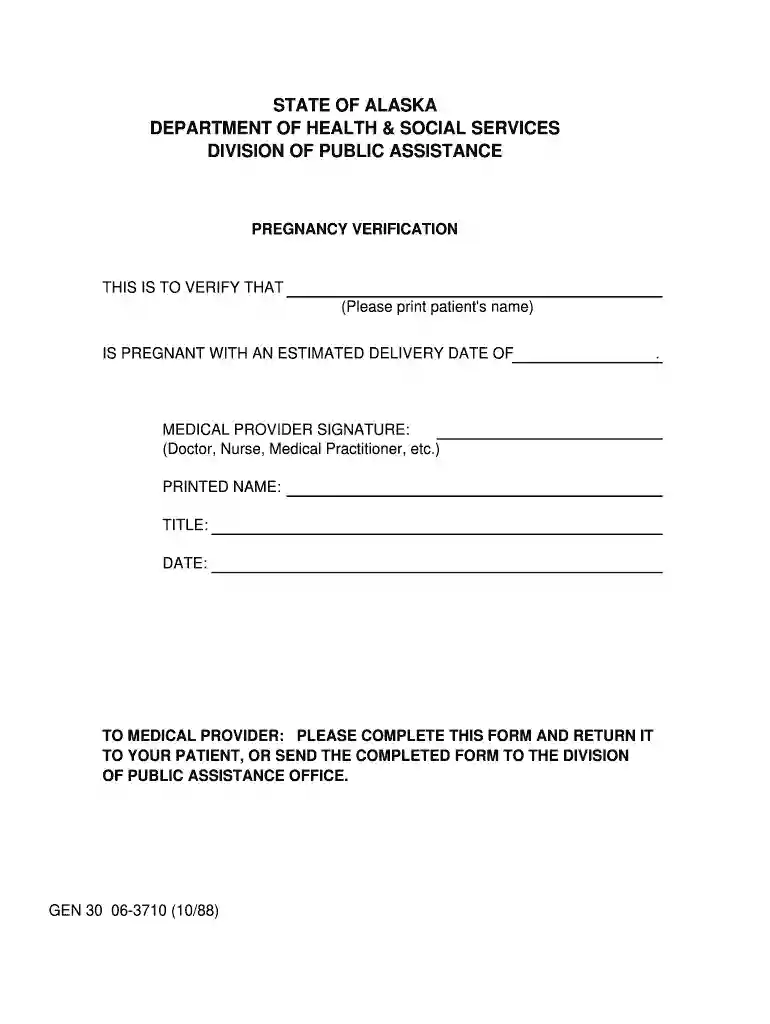
Type text, add images, blackout confidential details, add comments, highlights and more.

Draw your signature, type it, upload its image, or use your mobile device as a signature pad.

Send pregnancy result paper via email, link, or fax. You can also download it, export it or print it out.

Start using our platform today for free to streamline your document editing and ensure efficient completion of your forms!
We've got more versions of the pregnancy test result paper form. Select the right pregnancy test result paper version from the list and start editing it straight away!
At DocHub, your data security is our priority. We follow HIPAA, SOC2, GDPR, and other standards, so you can work on your documents with confidence.





Sep 25, 2025 These tests are 97-99% accurate when done a week or two after youve missed your period and can give you the results quickly.Read more
The control line is designed to validate the test and should be crisp and clear in intensity against the white background. Positive Result: POSSIBLE PREGNANCYRead more
If you test before your expected period and get a Not Pregnant result, there is still a chance that you may be pregnant. See chart below for results of labRead more


