




01. Edit your form 3557 instructions online
Type text, add images, blackout confidential details, add comments, highlights and more.

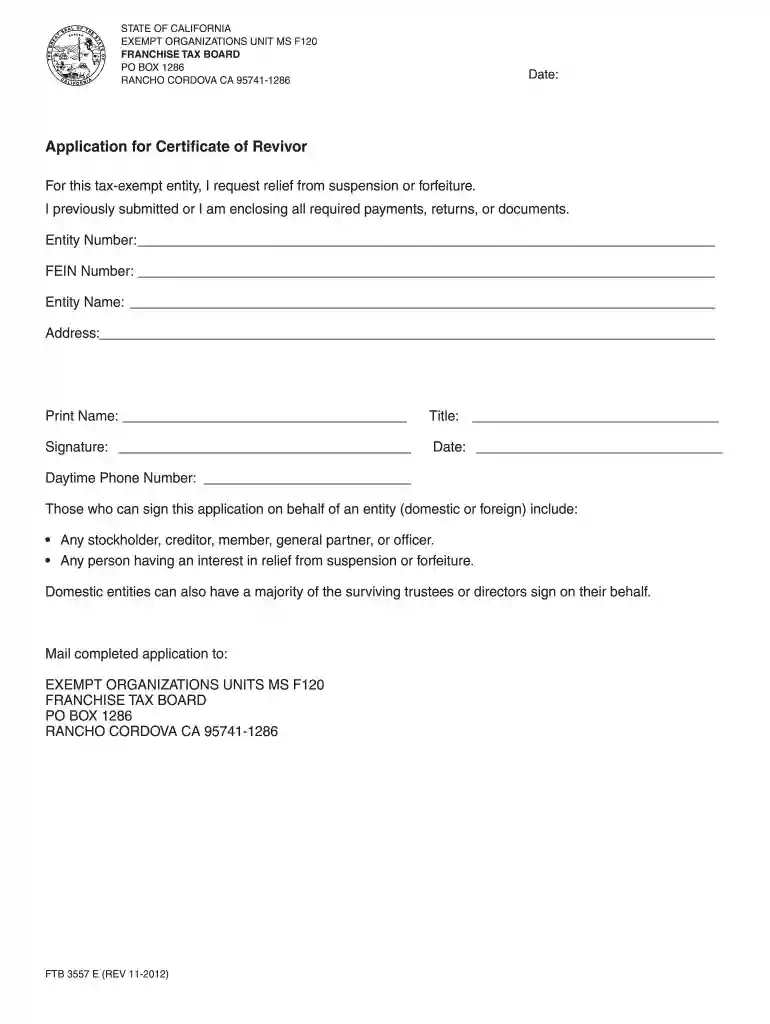
Type text, add images, blackout confidential details, add comments, highlights and more.

Draw your signature, type it, upload its image, or use your mobile device as a signature pad.

Send form 3557 via email, link, or fax. You can also download it, export it or print it out.

Start using our platform today to easily fill out CA Form 3557 for free!
Sure, it is possible with DocHub. This safe and compliant online solution has a phone-based signing option. Once you log in to your DocHub account and import your ftb 3557 bc instructions to our editor, complete all blank areas and use the Sign tool on the top barf. Click on Create your signature and select Phone from the available choices. Here, you scan a QR code with your smartphone and draw your signature on your phone screen, as you usually do when approving hard copies. If you access DocHub right from your mobile device, you can electronically sign your paperwork by drawing your eSignature, uploading its image, or simply with a typed name.
It is a no-brainer on a computer or via a mobile phone to fill out a ftb 3557 instructions with DocHub. All you need to do is open any installed internet browser on your smartphone and proceed to the DocHub site. Once authenticated, add your file and open it in editing mode. Use our toolbar to make your edits and save modifications. Optionally, keep your document in your files or send it to a recipient immediately.
At DocHub, your data security is our priority. We follow HIPAA, SOC2, GDPR, and other standards, so you can work on your documents with confidence.
In this course the liberal market economy of the United States with its distinctive strengths and weaknesses is put side-by-side with different forms of liberalRead more
Feb 27, 2025 Munition compounds (MCs) often contain one or more nitro (-NO2) functional groups which makes them susceptible to abiotic reduction, i.e.,Read more
FTB 3557 BC (REV 03-2015). Entity Name: Address: Print Name. Title. Date. Daytime Phone Number. STATE OF CALIFORNIA. FRANCHISE TAX BOARD. PO BOX 942857.Read more


