Fillable business plan pdf 2026

Get Form
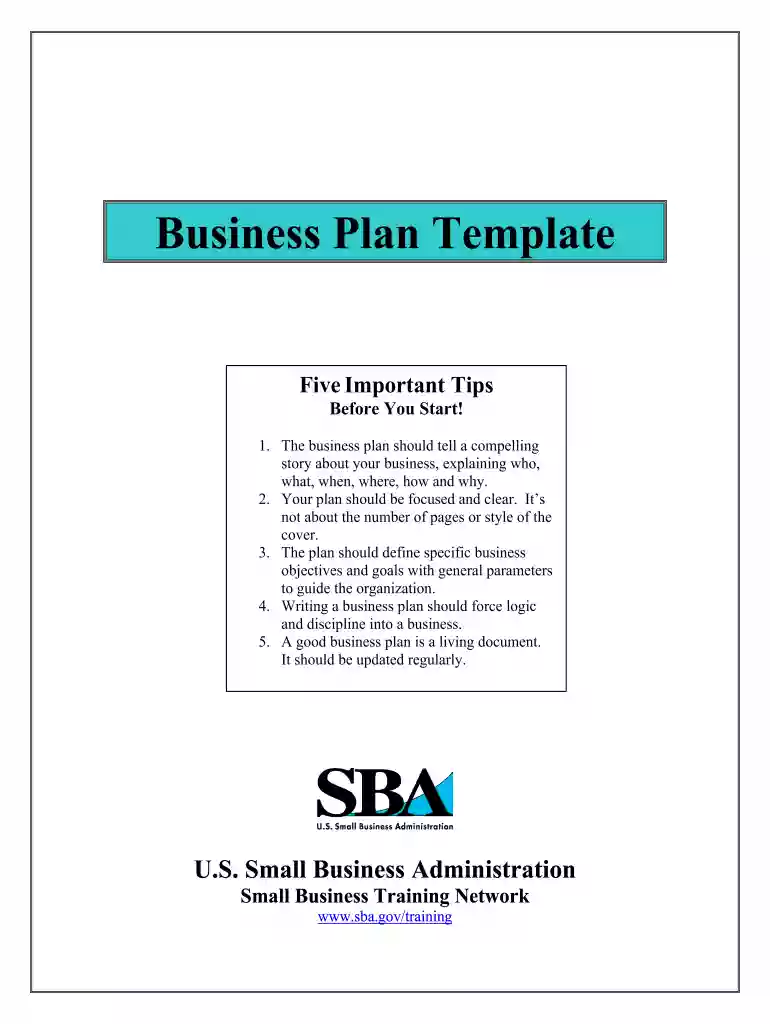
fillable business plan pdf Preview on Page 1

Here's how it works

01. Edit your fillable business plan pdf online
Type text, add images, blackout confidential details, add comments, highlights and more.

02. Sign it in a few clicks
Draw your signature, type it, upload its image, or use your mobile device as a signature pad.

03. Share your form with others
Send it via email, link, or fax. You can also download it, export it or print it out.

How to use or fill out fillable business plan pdf with our platform

Form edit decoration
9.5
Ease of Setup
DocHub User Ratings on G2
9.0
Ease of Use
DocHub User Ratings on G2
  1. Click ‘Get Form’ to open the fillable business plan PDF in the editor.
  2. Begin with the Title Page. Enter your company name, date, address, phone number, email, and web address in the designated fields.
  3. Navigate to the Table of Contents. Ensure all sections are listed correctly for easy navigation.
  4. In the Executive Summary section, provide a concise overview of your business. Highlight who you are and what you do in less than two pages.
  5. Move to the Business Description & Vision section. Fill in your mission statement, vision for growth, goals, and a brief history of your business.
  6. For the Definition of the Market section, describe your industry, target market, and customer needs clearly.
  7. In the Description of Products and Services section, detail your offerings and how they stand out in the market.
  8. Complete the Organization & Management section by outlining your company structure and key personnel.
  9. Fill out the Marketing and Sales Strategy section by identifying your customers and explaining your sales approach.
  10. In Financial Management, input financial projections or historical data as required based on whether you're a new or existing business.
  11. Finally, attach any relevant documents in the Appendices section to support your business plan.

Start using our platform today to create a professional business plan for free!

be ready to get more

Complete this form in 5 minutes or less

Get form

Got questions?

We have answers to the most popular questions from our customers. If you can't find an answer to your question, please contact us.
Contact us

Yes, and it’s really easy! DocHub is a web-based PDF editor with advanced document processing functions that allow you quickly adjust your documents, fill out blank fields and insert new ones for other people to fill out, and create eSignatures in several ways. Import your fillable business plan pdf, give information as requested, and decide how you want to eSign your template - by typing your name, drawing your signature, uploading its image, or utilizing a QR code.

In case your go-to email service is Gmail, you can easily integrate your DocHub editor into your work. Modify your fillable business plan pdf with DocHub tools and connect it to your drafts in Gmail. See how effortless it is to exchange files and work together having a swift PDF editing solution at hand.

The most important parts of a business plan include: Executive summary. ... Business description. ... Market analysis and strategy. ... Marketing and sales plan. ... Competitive analysis. ... Management and organization description. ... Products and services description. ... Operating plan.
6 essential elements of a good business plan Executive summary. ... Description and bios of your leadership/executive team. ... Description of your product(s) or service(s) ... Market/competitive analysis. ... Financials (how much cash you need and when you'll pay it back) ... Marketing plan.
They include: Executive Summary: A snapshot of your plan. ... Company Description: Explain what your company does and how it stands out from competitors. ... Market Analysis: ... Organization and Management: ... Service or Product Line: ... Marketing and Sales: ... Funding Request: ... Financial Projections:

Security and compliance

At DocHub, your data security is our priority. We follow HIPAA, SOC2, GDPR, and other standards, so you can work on your documents with confidence.

Learn more
ccpa2
pci-dss
gdpr-compliance
hipaa
soc-compliance
be ready to get more

Complete this form in 5 minutes or less

Get form

People also ask

How to Write a Business Plan, Step by Step Write an executive summary. Describe your company. State your business goals. Describe your products and services. Do your market research. Outline your marketing and sales plan. Perform a business financial analysis. Make financial projections.
The process of writing a business plan is relatively straightforward. You start by thinking about your business and then work through the Google Docs business plan template section by section. As you write your business plan, stop and think about the long-term goals of your company.
While plans vary as much as businesses do, here's a summary of the seven main sections of a business plan and what each should include. Executive Summary. ... Company Description. ... Products and Services. ... Market analysis: ... Strategy and Implementation: ... Organization and Management Team: ... Financial plan and projections:
How to Write a Business Plan, Step by Step Write an executive summary. Describe your company. State your business goals. Describe your products and services. Do your market research. Outline your marketing and sales plan. Perform a business financial analysis. Make financial projections.
SIMPLE SINGLE BUSINESS PLAN It covers the business structure, product and service, market research marketing strategy, complete budget and financial projection for a particular length of time. Business plan shows the step to business success.

Related links