




Here's how it works

01. Edit your letter of incapacitation online
Type text, add images, blackout confidential details, add comments, highlights and more.

02. Sign it in a few clicks
Draw your signature, type it, upload its image, or use your mobile device as a signature pad.

03. Share your form with others
Send how to get a letter of incapacitation via email, link, or fax. You can also download it, export it or print it out.
How to use or fill out letter of incapacitation with our platform

- Click ‘Get Form’ to open the letter of incapacitation in the editor.
- In the first section, enter the name of the attending physician and the patient's details, including their name, examination date, and time.
- Provide a detailed description of the patient's condition that affects their ability to make informed decisions regarding medical treatment.
- Select one option indicating whether the patient is unable to evaluate treatment options or communicate a decision by checking the appropriate box.
- Ensure that you indicate if this attestation was made within two hours of examining the patient by checking 'has' or 'has not'.
- Finally, sign and date the document in the designated areas for both physicians involved in the certification process.
Start using our platform today to easily complete your letter of incapacitation online for free!
Fill out letter of incapacitation online
It's free
It's free
Security and compliance
At DocHub, your data security is our priority. We follow HIPAA, SOC2, GDPR, and other standards, so you can work on your documents with confidence.
Learn more


Related forms

Fannie mae form 200
The document provides detailed instructions for Fannie Mae servicers on how to complete and submit the Servicer Selectio ...

Back brace prescription
The document is a prescription fax form for back braces (L0637 and L0631) intended for a patient, requiring the physicia ...

GUEST VISITATION INFORMATION All visitors to Lackland Air Force
This document is a memorandum from the Department of the Air Force regarding visitor access for individuals attending a ...
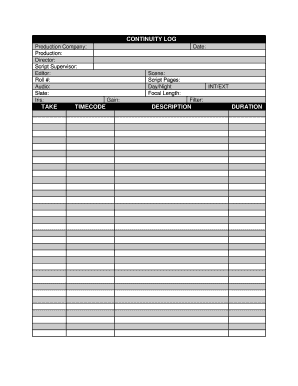
Continuity sheet template
The document is a continuity log used in film production, capturing essential details such as production company, direct ...

Elbe hills orv map
The document provides information about the Elbe Hills State Forest and Nicholson Horse Trail System in Elbe, Washington ...
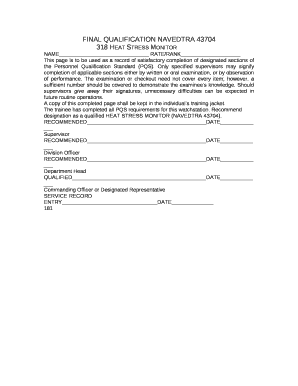
Navedtra 43704
The document outlines the qualification process for becoming a Heat Stress Monitor (NAVEDTRA 43704) within a naval conte ...

Roofing order form
The document is a Shingle Order Form used for placing orders related to roofing materials. It includes fields for custom ...
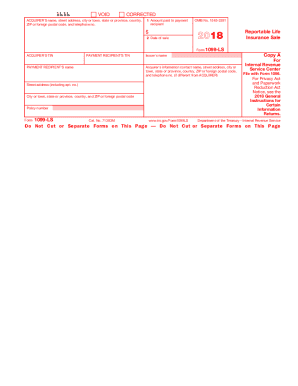
2019 Form 1099-MISC - IRS
The document provides information regarding Form 1099-LS, which is used to report reportable life insurance sales. It em ...