




01. Edit your motion to dismiss garnishment online
Type text, add images, blackout confidential details, add comments, highlights and more.

Type text, add images, blackout confidential details, add comments, highlights and more.

Draw your signature, type it, upload its image, or use your mobile device as a signature pad.

Send ssa form mc 49 via email, link, or fax. You can also download it, export it or print it out.

Start using our platform today for free and streamline your mc49 completion!
At DocHub, your data security is our priority. We follow HIPAA, SOC2, GDPR, and other standards, so you can work on your documents with confidence.
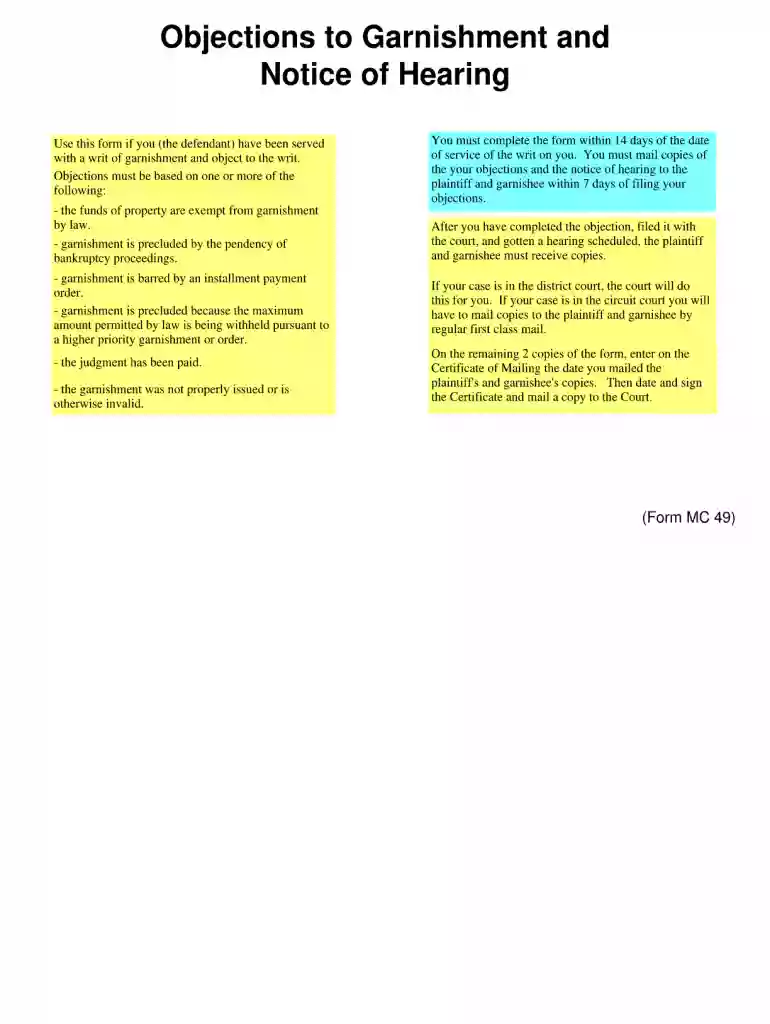
If you received a writ of garnishment (form MC 12, MC 13, or MC 52), you can object to that garnishment only if: your money is exempt (protected) fromRead more
Brief Overview of Collection, MC49. Name: Florence A. Hixson Papers. Dates: 1939-1989. Extent: 1 cubic foot. Historical Note: Florence Alberta Hixson wasRead more
13w09c is the thirteenth snapshot for Java Edition 1.5, released on March 1, 2013 to fix some of the bugs and crashes in the 13w09a and 13w09b snapshots.Read more


