




01. Edit your proof of funds online
Type text, add images, blackout confidential details, add comments, highlights and more.

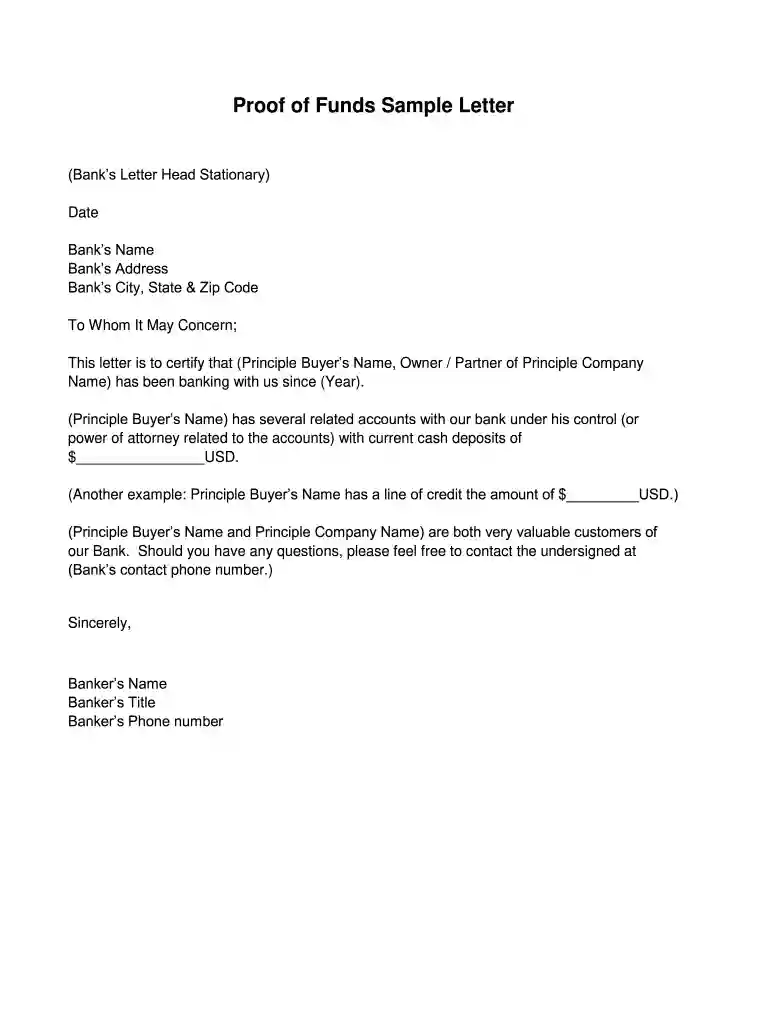
Type text, add images, blackout confidential details, add comments, highlights and more.

Draw your signature, type it, upload its image, or use your mobile device as a signature pad.

Send proof of funds letter via email, link, or fax. You can also download it, export it or print it out.

Start using our platform today to effortlessly create and manage your verification of funds letters for free!
At DocHub, your data security is our priority. We follow HIPAA, SOC2, GDPR, and other standards, so you can work on your documents with confidence.


Funds will be used for [provide particular item(s) corresponding to the budget narrative or describe how the applicant will otherwise use the funds]. b. We willRead more
This letter is verification that the customer named above, [name of account holder], has an account with [name of bank] with a current and available balanceRead more
Jan 19, 2017 This publication discusses common business expenses and explains what is and is not de ductible. The general rules for deducting busi.Read more


