Type text, add images, blackout confidential details, add comments, highlights and more.
02. Sign it in a few clicks
Draw your signature, type it, upload its image, or use your mobile device as a signature pad.
03. Share your form with others
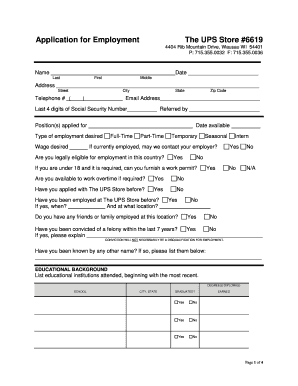
Send free printable blank job application via email, link, or fax. You can also download it, export it or print it out.
How to use or fill out drivers application with our platform
Ease of Setup
DocHub User Ratings on G2
Ease of Use
DocHub User Ratings on G2
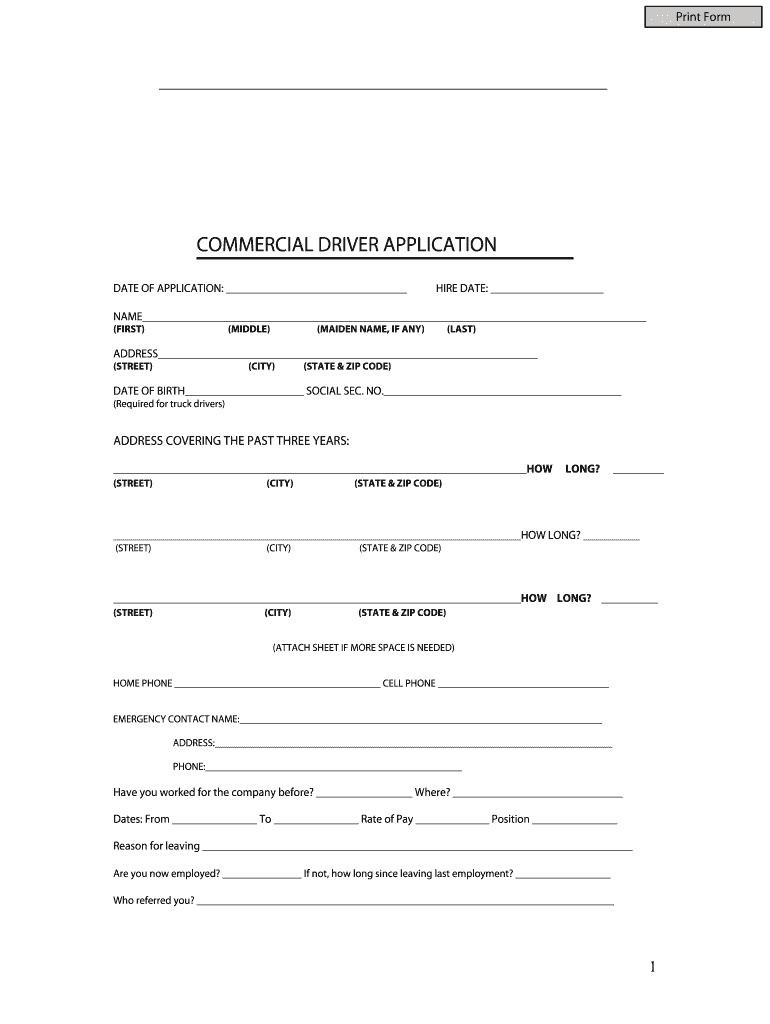
Click ‘Get Form’ to open the drivers application in the editor.
Begin by entering the date of application and hire date at the top of the form. Ensure these dates are accurate as they are crucial for your employment record.
Fill in your personal information, including your full name, address, date of birth, and social security number. Make sure to double-check for any typos.
Provide your employment history for the past three years. Include addresses and duration of stay at each location. If you need more space, attach an additional sheet.
Complete the experience and qualifications section by listing your driver licenses, driving experience, and accident records if applicable. Be thorough to avoid delays in processing.
Finally, review all entries for accuracy before signing the certification statement at the end of the application.
Start filling out your drivers application today on our platform for free!
Applying for a Drivers License or State ID - Global Engagement
Most nonimmigrants in lawful status may apply for a drivers license or State ID card. Even if you dont plan on driving in the US, it is recommended thatRead more
Timeframes to apply for a WI driver license or ID after establishing residence: Within 60 days for a regular license; Within 30 days for a Commercial DriverRead more
Mar 9, 2025 The simple PMOD display application uses the Okaya LCD driver to draw 15 different screens, each implementing different features of the driver.Read more
Cookie consent notice
This site uses cookies to enhance site navigation and personalize your experience.
By using this site you agree to our use of cookies as described in our Privacy Notice.
You can modify your selections by visiting our Cookie and Advertising Notice.