Type text, add images, blackout confidential details, add comments, highlights and more.
02. Sign it in a few clicks
Draw your signature, type it, upload its image, or use your mobile device as a signature pad.
03. Share your form with others
Send cftc form 40 instructions via email, link, or fax. You can also download it, export it or print it out.
How to use or fill out form 40 with our platform
Ease of Setup
DocHub User Ratings on G2
Ease of Use
DocHub User Ratings on G2
Click ‘Get Form’ to open it in the editor.
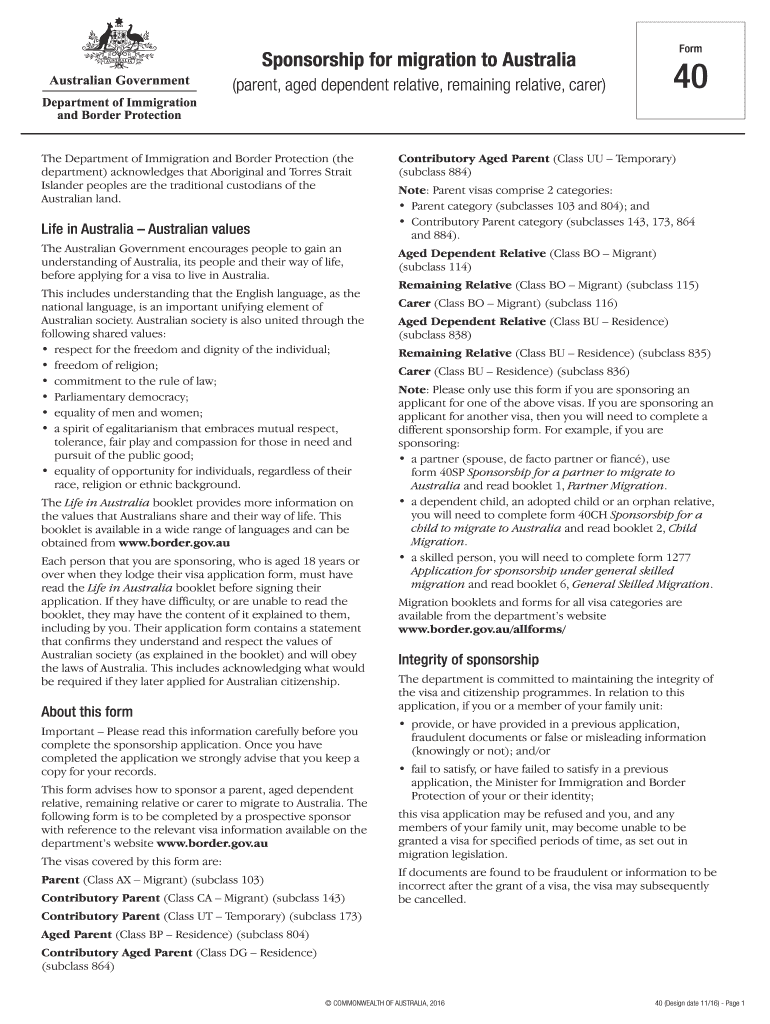
Begin by filling in the applicant's full name, date of birth, and current residential address in the designated fields. Ensure all information is accurate and clearly written.
In Part A, specify your relationship to the applicant you are sponsoring. This section is crucial for establishing eligibility.
Complete Part B by providing details about the applicant’s partner or former partner, if applicable. Include their full name and date of birth.
List all family members included in this sponsorship application in Part C. Make sure to provide their names, dates of birth, and gender.
Review all sections for completeness and accuracy before submitting. If additional space is needed for any answers, attach extra sheets as necessary.
Start using our platform today to streamline your form completion process for free!
registration transaction class add/drop form - Spokane Colleges
Directions: Complete this form to make changes to your credit class schedule. Return the completed and signed form to the college by email, fax,Read more
VA will provide the applicant with a PMC if the Veteran is eligible for a headstone, marker, or medallion. The applicant may request additional PMCs byRead more
Cookie consent notice
This site uses cookies to enhance site navigation and personalize your experience.
By using this site you agree to our use of cookies as described in our Privacy Notice.
You can modify your selections by visiting our Cookie and Advertising Notice.