




Here's how it works

01. Edit your annual return for alberta society form online
Type text, add images, blackout confidential details, add comments, highlights and more.

02. Sign it in a few clicks
Draw your signature, type it, upload its image, or use your mobile device as a signature pad.

03. Share your form with others
Send alberta society annual return form reg 3185 via email, link, or fax. You can also download it, export it or print it out.
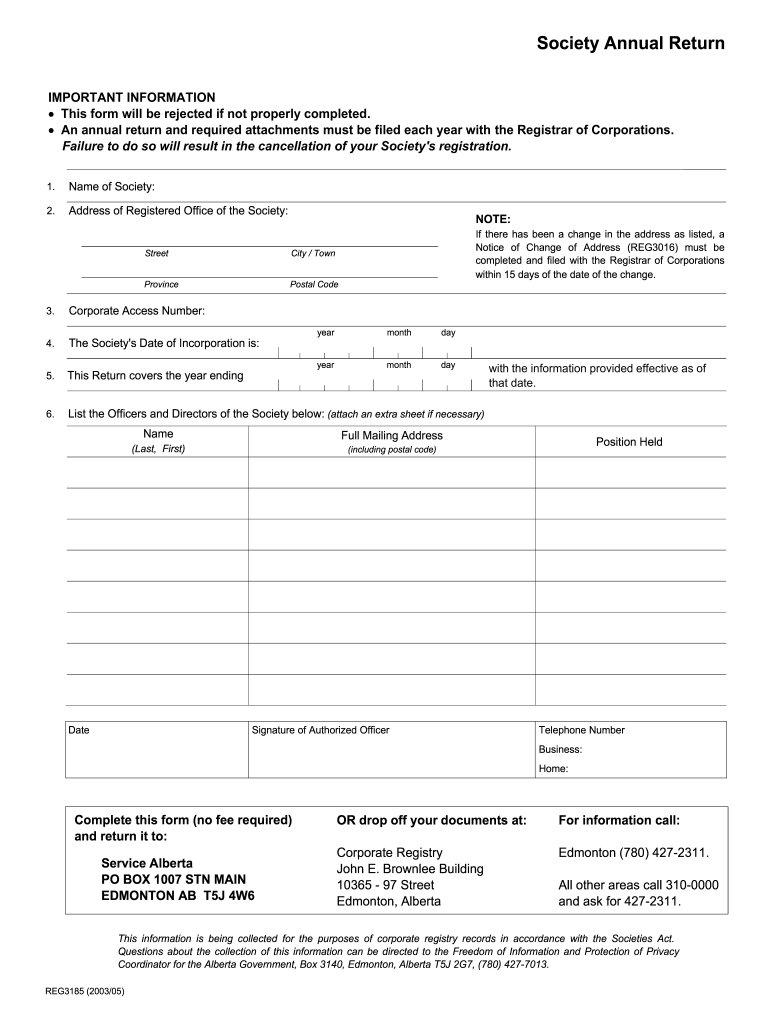
How to use or fill out society annual return alberta with our platform

- Click ‘Get Form’ to open the Society Annual Return in the editor.
- Begin by entering the 'Name of Society' in the designated field. Ensure that this matches your registered name.
- Fill in the 'Address of Registered Office of the Society'. Include street, city, province, and postal code. If there has been a change, remember to file a Notice of Change of Address.
- Input your 'Corporate Access Number' and the 'Date of Incorporation'. These details are crucial for identification.
- Specify the year ending for this return. This should align with your society's anniversary month.
- List all Officers and Directors. For each individual, provide their name, full mailing address, position held, and ensure you attach an extra sheet if necessary.
- An authorized officer must sign and date the form in the provided space. Remember that only original signatures are accepted.
- Attach a copy of your financial statement from the last annual general meeting before submitting your return.
Start using our platform today to easily complete your Society Annual Return for free!
Fill out society annual return alberta online
It's free
See more society annual return alberta versions
We've got more versions of the society annual return alberta form. Select the right society annual return alberta version from the list and start editing it straight away!
Security and compliance
At DocHub, your data security is our priority. We follow HIPAA, SOC2, GDPR, and other standards, so you can work on your documents with confidence.
Learn more


Related forms
Conditions or Order of Resource Area Delineation issued to:
The document is a WPA Form 8B, Certificate of Compliance issued by the Massachusetts Department of Environmental Protect ...
Sais health commonpoccontentEntrance Conference Worksheet for NHA - PA
The document is an Entrance Conference Worksheet for a facility in New York State, outlining the information that must b ...
RELEASE OF LIABILITY WAIVER OF RIGHT TO SUE ASSUMPTION OF RISK AND AGREEMENT TO PAY CLAIMS - csus
RELEASE OF LIABILITY WAIVER OF RIGHT TO SUE ASSUMPTION OF RISK AND AGREEMENT TO PAY CLAIMS - csus
The document is a Release of Liability and Waiver form for participants in an activity organized by the University. It o ...
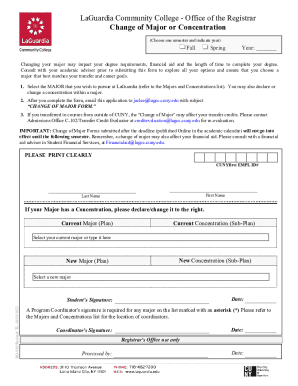
LaGuardia Change of Major Form
The document outlines the process for changing a major or concentration at LaGuardia Community College. It emphasizes th ...
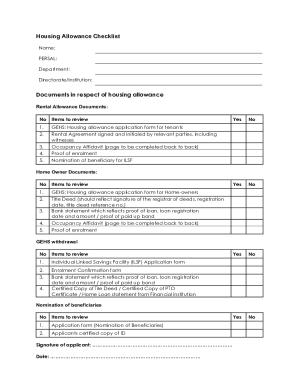
HOUSING ALLOWANCE APPLICATION FORM FOR TENANTS
The document is a Housing Allowance Checklist that outlines the necessary documents and items to review for both rental ...
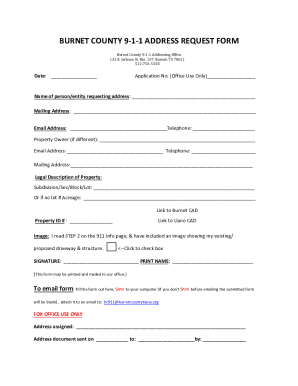
Burnet County 9-1-1 Address Request Form
The document is a Burnet County 9-1-1 Address Request Form, which allows individuals or entities to request an official ...
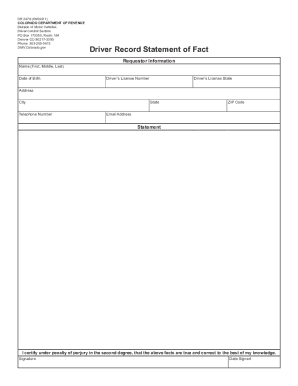
Dmv colorado sitesdmvCOLORADO DEPARTMENT OF REVENUE Search Fee $9 00 Driver
The document is a form from the Colorado Department of Revenue's Division of Motor Vehicles, specifically for requesting ...
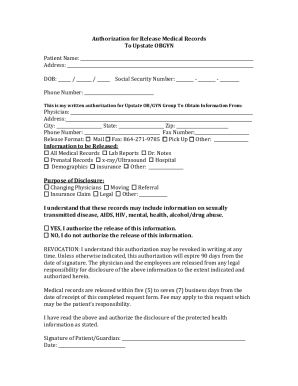
Authorization for Release Medical Records To Upstate OBGYN
The document is an authorization form for the release of medical records from Upstate OBGYN. It requires the patient's p ...