




01. Edit your sealed bid example online
Type text, add images, blackout confidential details, add comments, highlights and more.

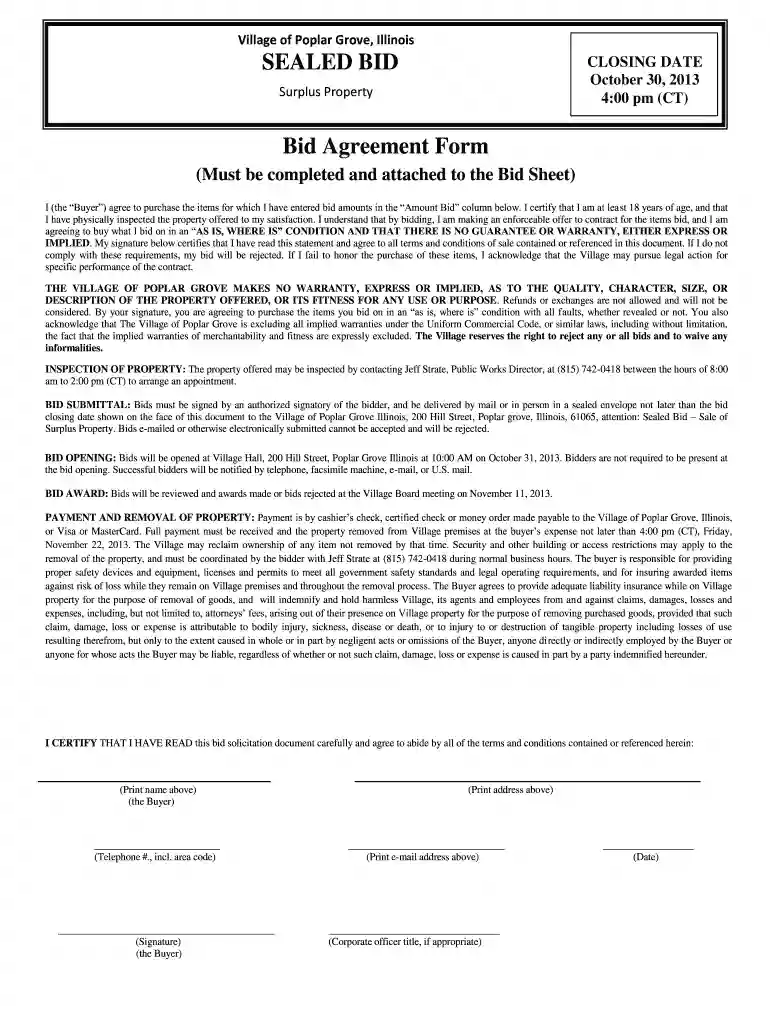
Type text, add images, blackout confidential details, add comments, highlights and more.

Draw your signature, type it, upload its image, or use your mobile device as a signature pad.

Send sealed bid template via email, link, or fax. You can also download it, export it or print it out.

Start using our platform today for free to streamline your sealed bid submission process!
We've got more versions of the sealed bid example form. Select the right sealed bid example version from the list and start editing it straight away!
| Versions | Form popularity | Fillable & printable |
|---|---|---|
| 2013 | 4.8 Satisfied (122 Votes) |
At DocHub, your data security is our priority. We follow HIPAA, SOC2, GDPR, and other standards, so you can work on your documents with confidence.
Competitive sealed bid/invitation for bid. Construction Phase only. Selection Procedure. Process Flow Chart. Required documents. Procurement.Read more
The successful bidder will be notified in writing once the bid is approved. Checks will be returned to unsuccessful bidders.Read more
(Bid Form, Price Sheet, Bid Security, etc.). Apply page numbering and develop a table of contents and a title page. 18. Prepare Bidding Documents Fact Sheet.Read more


