




01. Edit your form online
Type text, add images, blackout confidential details, add comments, highlights and more.

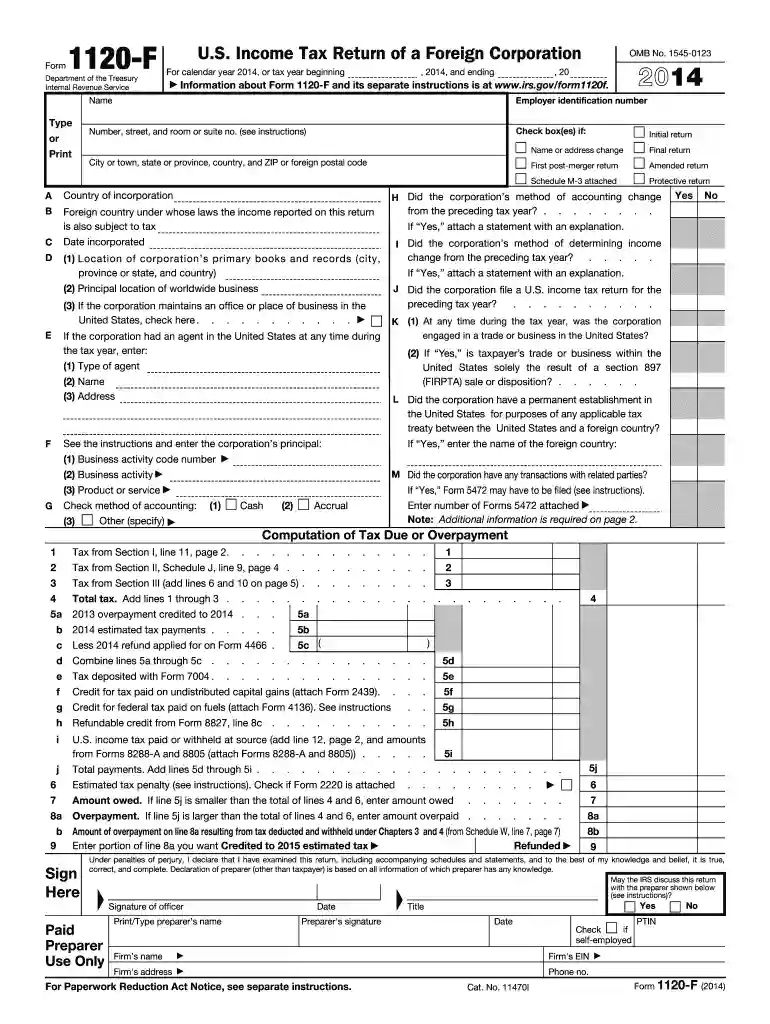
Type text, add images, blackout confidential details, add comments, highlights and more.

Draw your signature, type it, upload its image, or use your mobile device as a signature pad.

Send it via email, link, or fax. You can also download it, export it or print it out.
The forms 1099-MISC and 1096 UAN serve as critical components in the U.S. tax reporting system. Form 1099-MISC is used to report miscellaneous income for contractors or freelancers who have received payments of $600 or more in a fiscal year. Form 1096 acts as a summary or transmittal form that accompanies Form 1099-MISC when filing with the Internal Revenue Service (IRS). These documents ensure that reported income is accurately filed for tax purposes, maintaining transparency and compliance with federal tax laws.
Form 1099-MISC includes sections such as payer and recipient information, and specific types of income including rents, royalties, and healthcare payments. It meticulously categorizes each income type to provide clarity on earnings outside wage employment. Form 1096, on the other hand, consolidates the total amounts from all 1099-MISC forms filed by a single payer, thereby serving as an essential linkage for the IRS to verify reported income.
You can access these forms from the IRS website or by visiting local IRS offices. It’s also feasible to order hard copies through the IRS’s official distribution channels. Many tax software programs, like TurboTax or QuickBooks, offer electronic filing solutions, facilitating a smoother submission process.
Timely filing of Forms 1099-MISC and 1096 is crucial for avoiding penalties. Generally, 1099-MISC forms must be sent to recipients by January 31 of the following tax year, while the corresponding Form 1096, along with the 1099-MISC copies, is due to the IRS by February 28 for paper filings and March 31 for electronic submissions.
Highly compatible with software platforms such as QuickBooks and TurboTax, these forms can be filled out and submitted electronically. Electronic filing is encouraged due to its efficiency, security, and reduced error rate. The IRS’s Filing Information Returns Electronically (FIRE) system is commonly used for online submissions. Alternatively, paper submissions are mailed to IRS processing centers but require adherence to specific formatting guidelines.
The IRS mandates strict adherence to detailed instructions for these forms. Accurate representation of all required information is crucial to avoid audits. Common mistakes include inaccuracies in TINs, omitted sections, or misreported income, all of which can result in penalties or the need for amended submissions. Businesses and individuals must continually stay informed on any changes to IRS rules governing these forms.
Failure to file or provide accurate information can lead to substantial financial penalties. The fine structure varies based on how overdue the forms are and whether the failure is corrected promptly or not. The penalties can accrue per form, amplifying the financial impact for entities submitting multiple forms. It is critical to ensure both the accuracy and timely filing of these documents to the IRS.
These forms are legally binding documents within the U.S. taxation system. Compliance with applicable laws is imperative for all business entities and individuals classed as payers of non-employee compensation. Ensuring adherence to the reporting standards helps in upholding transparency and minimizes the risk of financial and legal repercussions.
We've got more versions of the ACCOUNTING FORMS 1099-MISC AND 1096 UAN has updated the ... form. Select the right ACCOUNTING FORMS 1099-MISC AND 1096 UAN has updated the ... version from the list and start editing it straight away!
| Versions | Form popularity | Fillable & printable |
|---|---|---|
| 2024 | 4.6 Satisfied (35 Votes) | |
| 2023 | 4.9 Satisfied (24 Votes) | |
| 2022 | 4.6 Satisfied (46 Votes) | |
| 2021 | 4.8 Satisfied (45 Votes) | |
| 2020 | 4.4 Satisfied (256 Votes) | |
| 2019 | 4.4 Satisfied (167 Votes) | |
| 2018 | 4.1 Satisfied (67 Votes) | |
| 2017 | 4.4 Satisfied (260 Votes) | |
| 2016 | 4.4 Satisfied (317 Votes) | |
| 2015 | 4.2 Satisfied (62 Votes) | |
| 2014 | 4 Satisfied (20 Votes) | |
| 2013 | 4 Satisfied (41 Votes) | |
| 2012 | 4.4 Satisfied (51 Votes) | |
| 2011 | 4.2 Satisfied (64 Votes) | |
| 2010 | 4 Satisfied (35 Votes) |
At DocHub, your data security is our priority. We follow HIPAA, SOC2, GDPR, and other standards, so you can work on your documents with confidence.
Dec 6, 2023 FORMS 1099-MISC AND 1096. UAN has updated the 1099-Misc forms and electronic file for 2023. The IRS has not authorized.Read more
These statis~ical series are to be kept up-to-date and it is expected that similar reports will be released periodically in order to provide currentRead more


