
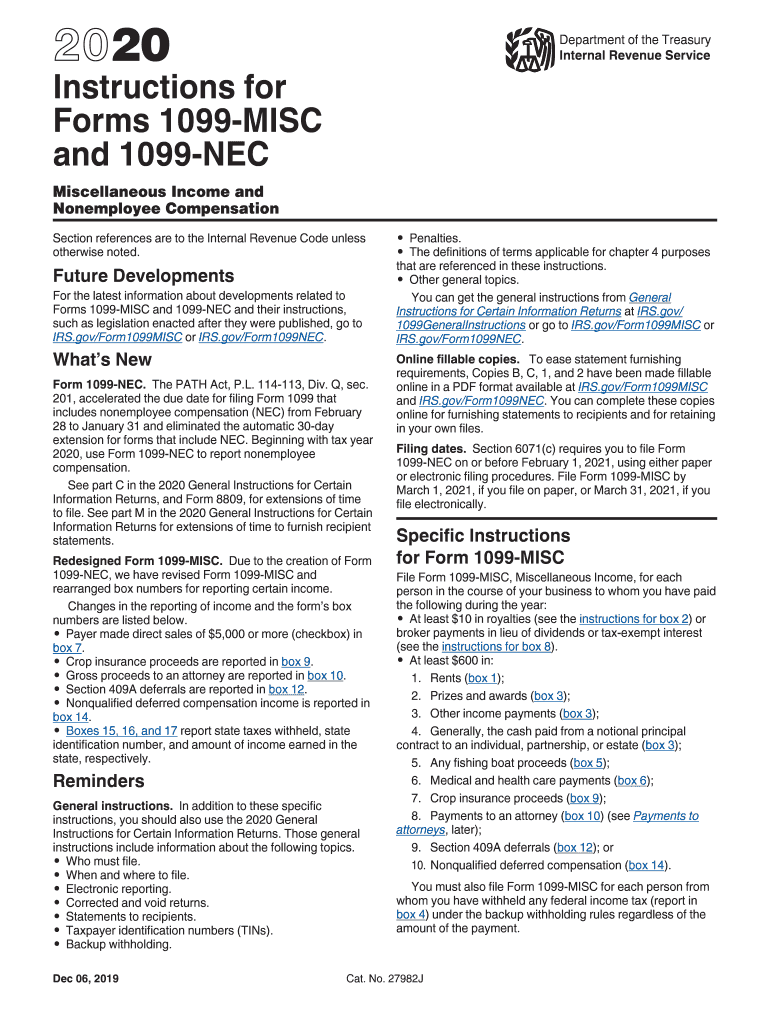




Here's how it works

01. Edit your 1099 form independent contractor 2022 online
Type text, add images, blackout confidential details, add comments, highlights and more.

02. Sign it in a few clicks
Draw your signature, type it, upload its image, or use your mobile device as a signature pad.

03. Share your form with others
Send what 1099 form for independent contractor via email, link, or fax. You can also download it, export it or print it out.
How to use or fill out IRS Form Independent Contractor 1099 with DocHub

- Click ‘Get Form’ to open it in the editor.
- Begin by entering the payer's information, including name, address, and Tax Identification Number (TIN) in the designated fields.
- In Box 1, report the total nonemployee compensation of $600 or more paid to the contractor. This includes fees, commissions, and any other forms of payment for services.
- If applicable, enter any federal income tax withheld in Box 4. Ensure you have the correct TIN for backup withholding purposes.
- Complete Boxes 5 through 7 if state taxes were withheld. Enter the state identification number and amounts as required.
- Review all entries for accuracy before saving your completed form. Utilize our platform’s features to sign and distribute your document seamlessly.
Start using our platform today to fill out your IRS Form 1099 efficiently and for free!
Fill out irs form independent contractor 1099 online
It's free
It's free
See more irs form independent contractor 1099 versions
We've got more versions of the irs form independent contractor 1099 form. Select the right irs form independent contractor 1099 version from the list and start editing it straight away!
| Versions | Form popularity | Fillable & printable |
|---|---|---|
| 2025 | 4.4 Satisfied (54 Votes) | |
| 2024 | 4.6 Satisfied (45 Votes) | |
| 2022 | 4.6 Satisfied (34 Votes) | |
| 2021 | 4.8 Satisfied (235 Votes) | |
| 2020 | 4.4 Satisfied (83 Votes) | |
| 2019 | 4.4 Satisfied (69 Votes) | |
| 2018 | 4.4 Satisfied (162 Votes) | |
| 2017 | 4.4 Satisfied (1361 Votes) | |
| 2016 | 4.4 Satisfied (59 Votes) | |
| 2015 | 4.4 Satisfied (759 Votes) | |
| 2014 | 4.3 Satisfied (65 Votes) | |
| 2013 | 4.3 Satisfied (36 Votes) | |
| 2012 | 4.1 Satisfied (37 Votes) | |
| 2011 | 4.1 Satisfied (67 Votes) | |
| 2010 | 4.3 Satisfied (68 Votes) |
Security and compliance
At DocHub, your data security is our priority. We follow HIPAA, SOC2, GDPR, and other standards, so you can work on your documents with confidence.
Learn more




