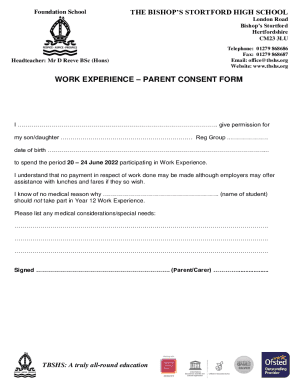
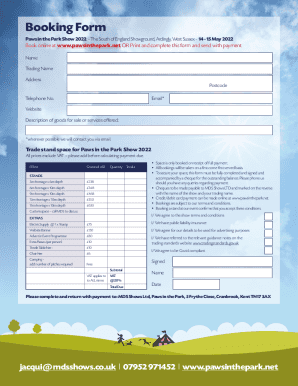
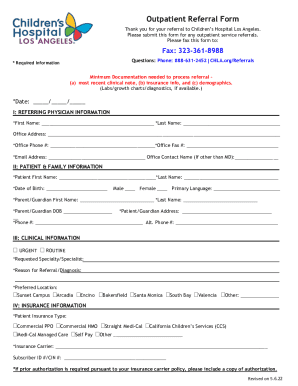
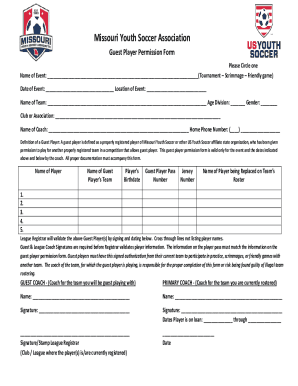
Here's how it works



How to use or fill out louisiana agreement form fillable with DocHub

- Click ‘Get Form’ to open the louisiana agreement form fillable in our editor.
- Begin by filling in the 'Listing Firm' and 'Selling Firm' sections. Enter the names of the respective firms clearly.
- Next, provide the contact details for both the Seller’s and Buyer’s Designated Agents, including phone numbers, office numbers, faxes, and email addresses.
- In the 'Property Description' section, accurately describe the property being bought or sold. Include municipal address, city, zip code, and legal description.
- Specify any mineral rights associated with the property. Indicate what percentage is reserved by the seller if applicable.
- Fill in the Sale Price of the property and ensure all financing conditions are clearly stated.
- Review all sections carefully for accuracy before saving your changes. Utilize our platform's features to sign electronically if required.
Start using our platform today to complete your louisiana agreement form fillable easily and for free!
It's free
See more louisiana agreement form fillable versions
Got questions?
What do I need to sign my louisiana purchase agreement electronically?
Electronic document signing requires a software solution that complies with data security and eSignature standards. DocHub is an excellent tool for that, since it fulfills all the aforementioned requirements. Whatever method you like to sign your louisiana purchase agreement in DocHub, your electronic signature will be legally binding and court-admissible.
How do you create an e-signature for the real estate purchase agreement signing on iOS?
Apart from a comprehensive toolset for editing PDFs on mobile phones, DocHub enables you to sign your real estate purchase agreement signing along the way. Open our editor in your internet browser, make modifications using DocHub’s toolset, and finish your editing by eSigning the completed form.
What kind of leases does Louisiana have?
How do I make a lease agreement?
Does a lease have to be docHubd in Louisiana?
Security and compliance
At DocHub, your data security is our priority. We follow HIPAA, SOC2, GDPR, and other standards, so you can work on your documents with confidence.
Learn more


Related forms