




01. Edit your form 6251 online
Type text, add images, blackout confidential details, add comments, highlights and more.

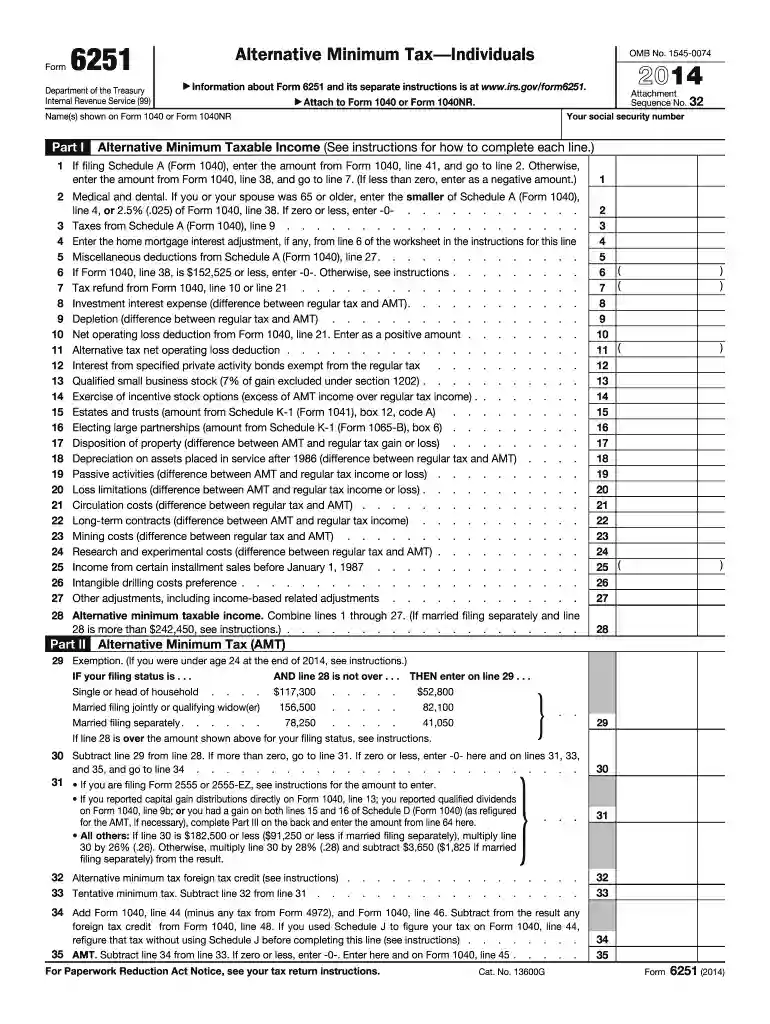
Type text, add images, blackout confidential details, add comments, highlights and more.

Draw your signature, type it, upload its image, or use your mobile device as a signature pad.

Send it via email, link, or fax. You can also download it, export it or print it out.

Start using our platform today for free to streamline your form completion process!
At DocHub, your data security is our priority. We follow HIPAA, SOC2, GDPR, and other standards, so you can work on your documents with confidence.
Jan 23, 2026 Use Form 6251 to figure the amount, if any, of your alternative minimum tax (AMT). The AMT applies to taxpayers who have certain types of income that receiveRead more
Do not include any amount from line 14 of the 2002. Form 6251. Instead, include the exclusion item amount from line 12d of the Schedule(s) K-1 (Form 1041) you.Read more
Jan 2, 2018 You owe any special taxes, including any of the following. a. Alternative minimum tax. (See Form 6251.) b. Additional tax on a qualified plan,Read more


