




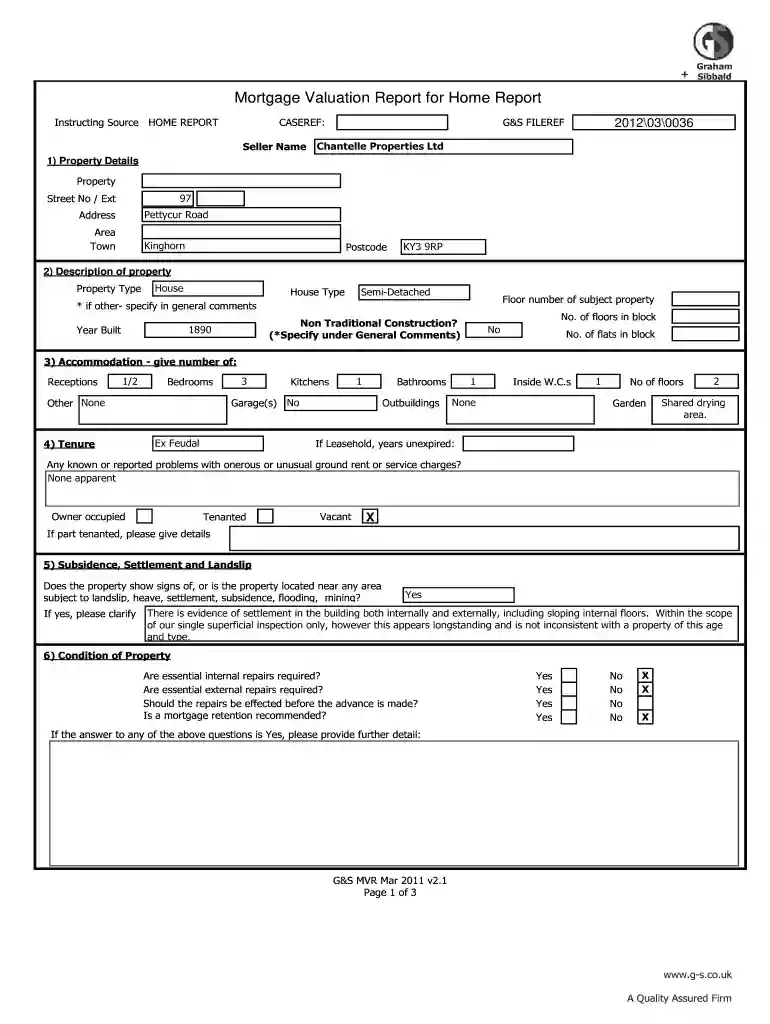
01. Edit your mortgage valuation report example online
Type text, add images, blackout confidential details, add comments, highlights and more.

Type text, add images, blackout confidential details, add comments, highlights and more.

Draw your signature, type it, upload its image, or use your mobile device as a signature pad.

Send it via email, link, or fax. You can also download it, export it or print it out.

Start using our platform today to streamline your mortgage valuation process for free!
At DocHub, your data security is our priority. We follow HIPAA, SOC2, GDPR, and other standards, so you can work on your documents with confidence.
by LD VAN DRUNEN 1988 Cited by 21 To implement the loan servicing valuation model with the parity relationship, it is necessary to value the servicer-held and the investor-held mortgage loans.Read more
Sep 30, 2016 The valuation and underwriting elements of the business are largely driven by the net operating income (NOI) metric essentially, rents minusRead more
A lender uses an appraisal not only to assess the value of the property, but also to determine such things as your interest rate, required down payment, andRead more


