




01. Edit your unum claim forms online
Type text, add images, blackout confidential details, add comments, highlights and more.

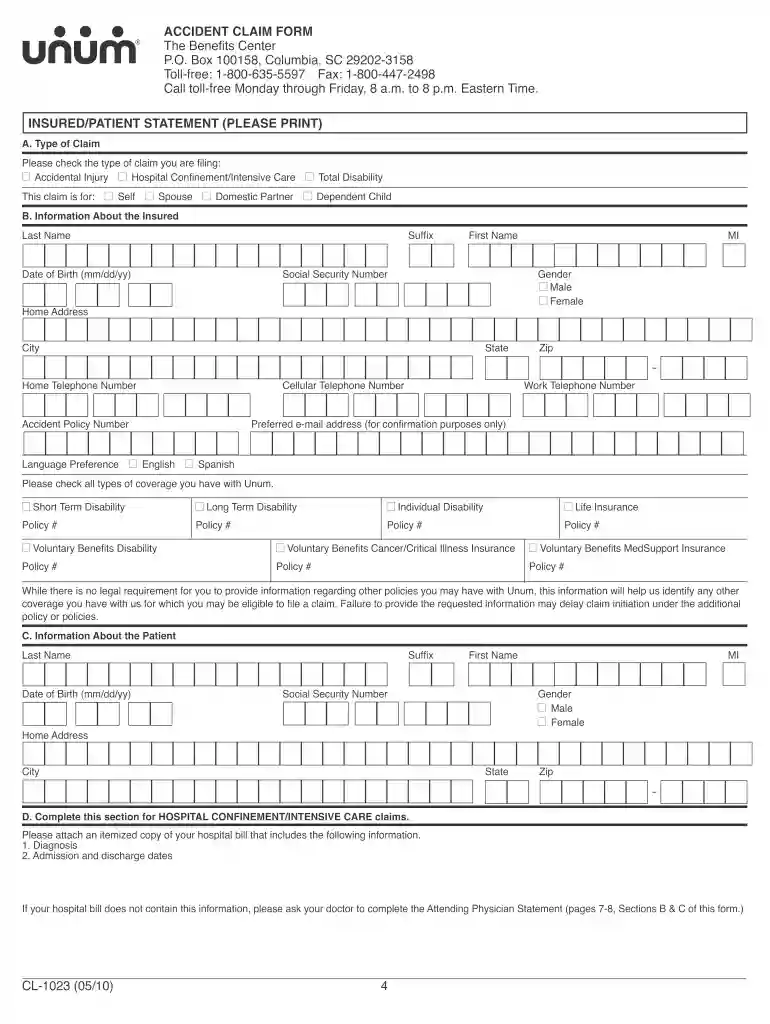
Type text, add images, blackout confidential details, add comments, highlights and more.

Draw your signature, type it, upload its image, or use your mobile device as a signature pad.

Send accident claim form via email, link, or fax. You can also download it, export it or print it out.

Start using our platform today to streamline your claim process for free!
At DocHub, your data security is our priority. We follow HIPAA, SOC2, GDPR, and other standards, so you can work on your documents with confidence.
When should you use this claim form? Use this claim form to submit a disability claim to Unum. This form should be used for the following types of claims only:.Read more
Feb 12, 2015 A petitioner that asserts standing based on the expectation of future injury confronts a DocHubly more rigorous burden to. USCA Case #14-Read more
INSTRUCTIONS. When should you use this claim form? Use this claim form to submit an Supplemental Health Accident claim to Unum. Who is responsible forRead more


