Type text, add images, blackout confidential details, add comments, highlights and more.
02. Sign it in a few clicks
Draw your signature, type it, upload its image, or use your mobile device as a signature pad.
03. Share your form with others
Send it via email, link, or fax. You can also download it, export it or print it out.
How to use or fill out uniform certification with our platform
Ease of Setup
DocHub User Ratings on G2
Ease of Use
DocHub User Ratings on G2
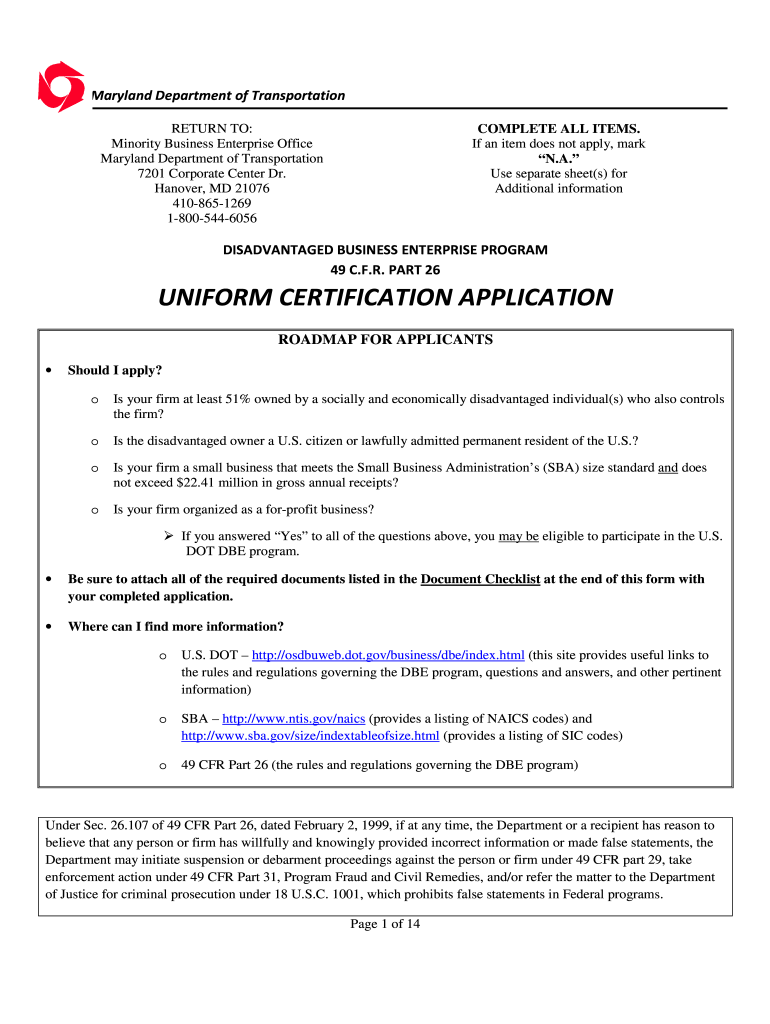
Click 'Get Form' to open the uniform certification application in the editor.
Begin by filling out Section 1: Certification Information. Indicate if your firm is currently certified for any programs and provide the name of the certifying agency if applicable.
In Section 2: General Information, enter your contact details including the legal name of your firm, phone numbers, email, and physical address. Ensure all information is accurate.
Proceed to Section 3: Ownership. Identify all individuals with ownership interest in your firm, providing their background information and percentage of ownership.
Complete Section 4: Control by listing your firm's officers and board members. Specify their roles and whether they manage other businesses.
Finally, review the document checklist at the end of the application to ensure you have attached all required supporting documents before submitting.
Start using our platform today to streamline your uniform certification process for free!
by IP Robbins 1992 Cited by 49 Robbins, The Uniform Certification of Questions of Law Act: A Proposal for Reform, 18 J. Legis. 127 (1992). Available at: more
NJ Division of Revenue - Uniform Certification Service
Apr 24, 2025 An owner(s) certificate of birth, or motor vehicle drivers license, passport, or other acceptable form of identification;; An affidavit, signedRead more
Cookie consent notice
This site uses cookies to enhance site navigation and personalize your experience.
By using this site you agree to our use of cookies as described in our Privacy Notice.
You can modify your selections by visiting our Cookie and Advertising Notice.