Mfr template 2026

Get Form
overview definitions Preview on Page 1

Here's how it works

01. Edit your overview definitions online
Type text, add images, blackout confidential details, add comments, highlights and more.
02. Sign it in a few clicks
Draw your signature, type it, upload its image, or use your mobile device as a signature pad.
03. Share your form with others
Send air force mfr template via email, link, or fax. You can also download it, export it or print it out.

How to use or fill out mfr template with our platform

Form edit decoration
9.5
Ease of Setup
DocHub User Ratings on G2
9.0
Ease of Use
DocHub User Ratings on G2
  1. Click ‘Get Form’ to open the mfr template in the editor.
  2. Begin by reviewing the header section, which typically includes fields for your name, date, and contact information. Fill these out accurately to ensure proper identification.
  3. Next, navigate to the main body of the form where you will find specific sections related to your requirements. Each section may have checkboxes or text fields; make sure to complete all relevant areas.
  4. If there are any signature fields, utilize our platform’s signature feature to sign electronically. This ensures your document is legally binding without needing to print it out.
  5. Finally, review all entries for accuracy before clicking ‘Submit’ or ‘Save’. This step is crucial for maintaining professionalism and ensuring that all information is correct.

Start using our platform today for free and streamline your document editing experience!

See more mfr template versions

We've got more versions of the mfr template form. Select the right mfr template version from the list and start editing it straight away!
Versions Form popularity Fillable & printable
2008 4.8 Satisfied (68 Votes)
be ready to get more

Complete this form in 5 minutes or less

Get form

Got questions?

We have answers to the most popular questions from our customers. If you can't find an answer to your question, please contact us.
Contact us
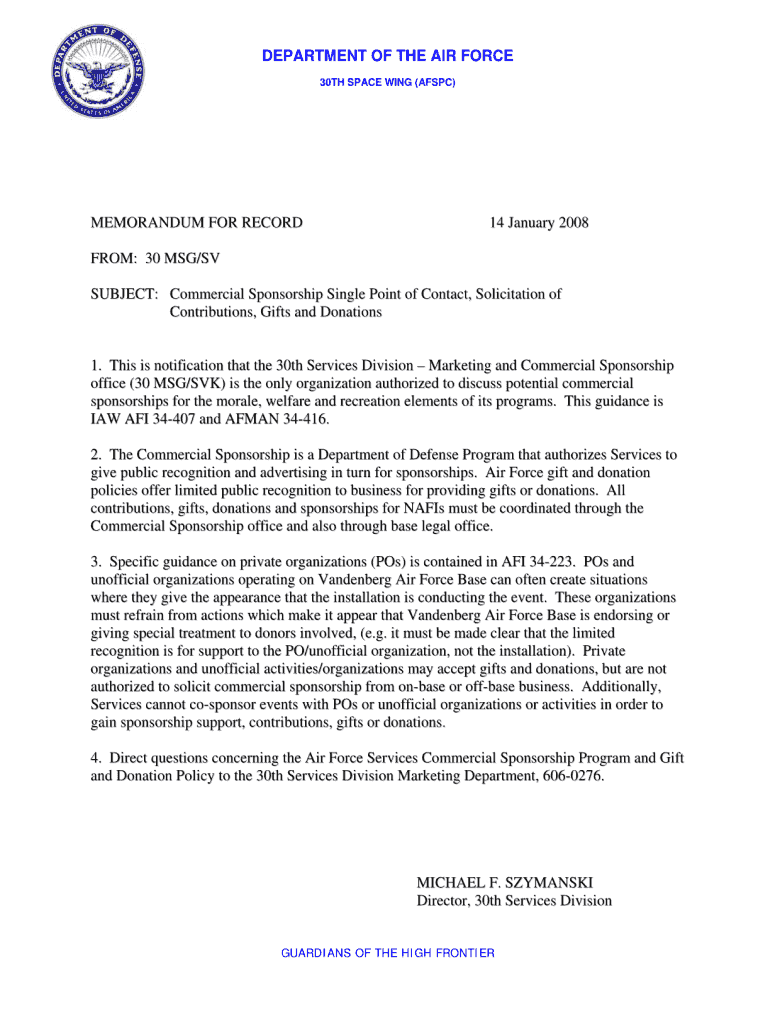
The separate-page memorandum for record (commonly referred to as Memo for Record, MR, or MFR) is used as an informal, in-house document. It records information that is usually not recorded in writing (i.e., phone calls or meeting summaries) and passes it on to others.
Memorandum for the Record. Use a Memorandum for the Record (MFR) as an internal document to record supporting information in the record that is not recorded elsewhere. Examples include such things as documenting the results of a meeting, an important telephone conversation, or an oral agreement.
How to fill out mfr example Begin with the date at the top of the memorandum. Write the subject line clearly indicating Memorandum for Record. Include the recipients information, such as name, title, and organization. Write an introductory paragraph stating the purpose of the memorandum.
Memos For Record (MFR) are critical personal records that document docHub, adverse, or unusual events. They demonstrate and document due diligence in dealing with situations that may be questioned or investigated at a later date.
A professional memo format typically includes sections like a heading, recipient information, sender details, the date, a precise subject line, a call-to-action within the message body, and optional attachments to substantiate the memos content.

Security and compliance

At DocHub, your data security is our priority. We follow HIPAA, SOC2, GDPR, and other standards, so you can work on your documents with confidence.

Learn more
ccpa2
pci-dss
gdpr-compliance
hipaa
soc-compliance