




01. Edit your ides work search form online
Type text, add images, blackout confidential details, add comments, highlights and more.

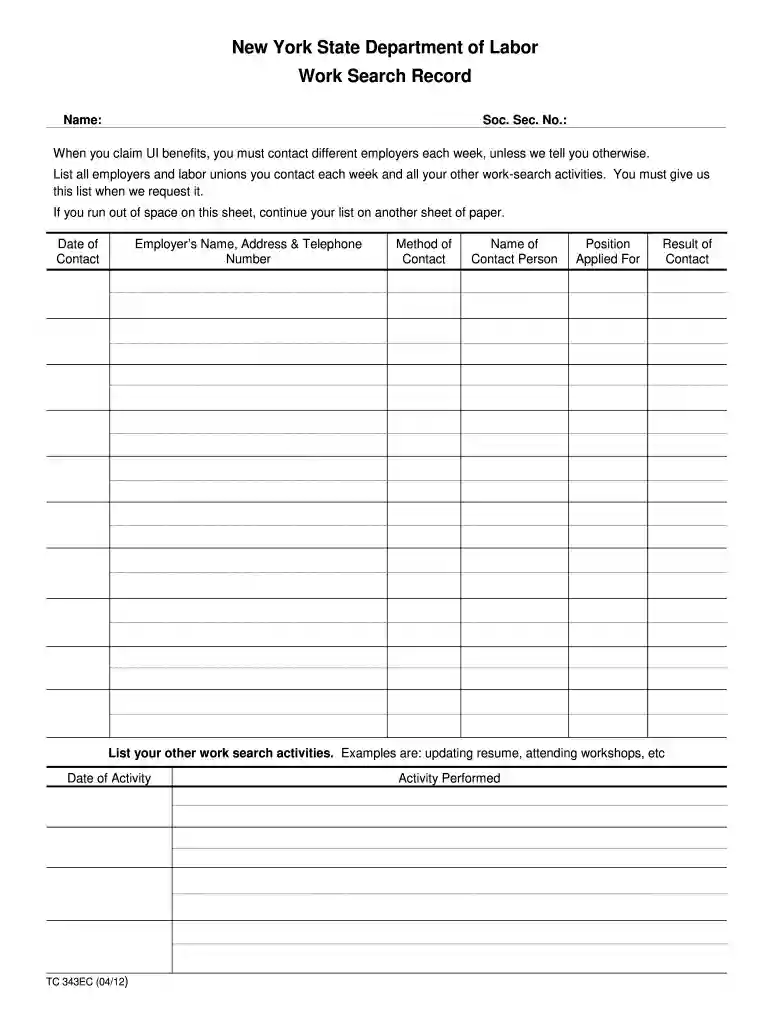
Type text, add images, blackout confidential details, add comments, highlights and more.

Draw your signature, type it, upload its image, or use your mobile device as a signature pad.

Send work search record form via email, link, or fax. You can also download it, export it or print it out.

Start using our platform today to effortlessly manage your work search records online for free!
We've got more versions of the ides work search form form. Select the right ides work search form version from the list and start editing it straight away!
| Versions | Form popularity | Fillable & printable |
|---|---|---|
| 2012 | 4.9 Satisfied (382 Votes) |
At DocHub, your data security is our priority. We follow HIPAA, SOC2, GDPR, and other standards, so you can work on your documents with confidence.
Feb 23, 2015 For example, the search phrase *mail could return records that contain voicemail, email, priority mail, and so on. The search phrase print*Read more
Work Search Record Form - This template may assist you in keeping a record of your work search contacts. Web watch the work search videos in english or spanishRead more
WORK SEARCH RECORD FOR WEEK BEGINNING SUNDAY. THROUGH SATURDAY. To be eligible for UC benefits, complete the work search record below.Read more


